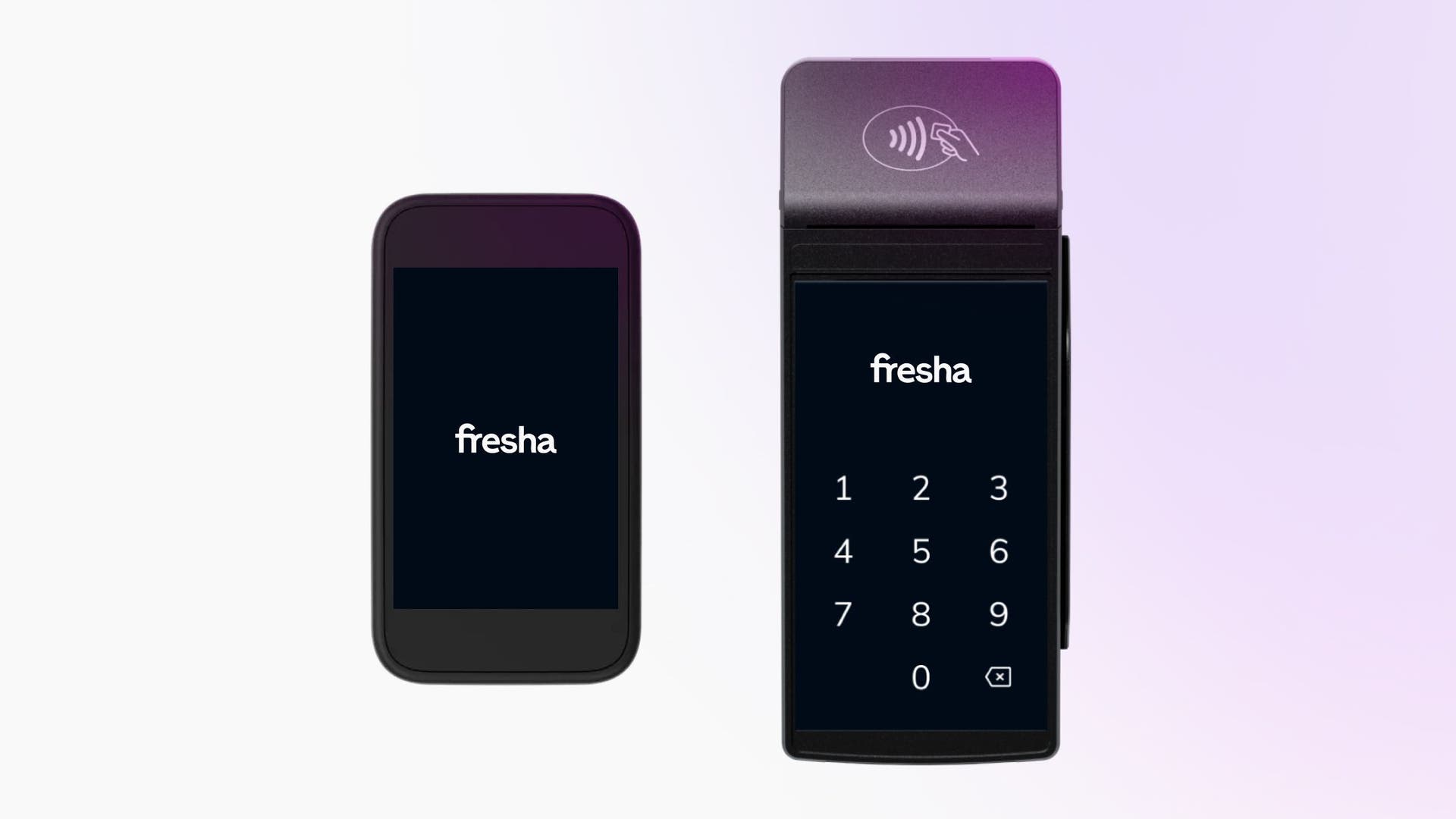
Card terminal overview
With a Fresha card terminal, taking in-person payments is simple, fast, and fully integrated with your account. Each card terminal is designed to save you time and keep every payment linked automatically to your sales reports.
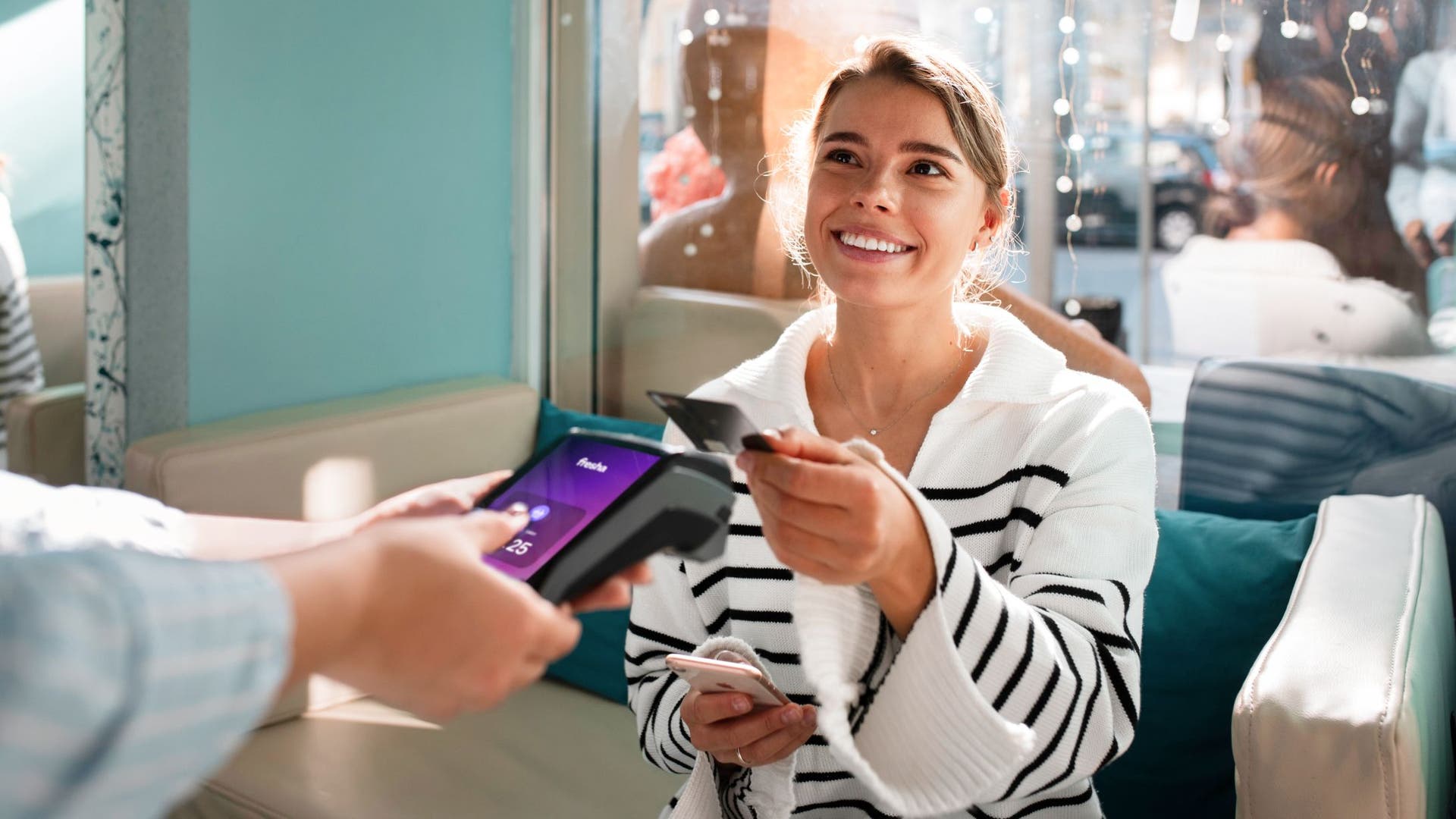
Process physical card payments by swipe, chip, and PIN
Accept contactless tap payments with Apple Pay and Google Pay
Automatically connect to your Fresha account for seamless checkout
Ready to order your Fresha card terminal?
Requires Fresha Payments to be enabled
Take payments seamlessly
Payment details are sent automatically from your Fresha account to the card terminal, removing the need for manual entry. You can accept all major cards and mobile wallets, including chip and PIN, contactless, and mobile payments. This makes checkout faster, smoother, and more accurate for you and your clients.
Every transaction is processed securely and recorded instantly in your reports, keeping your payment data up to date and organised.
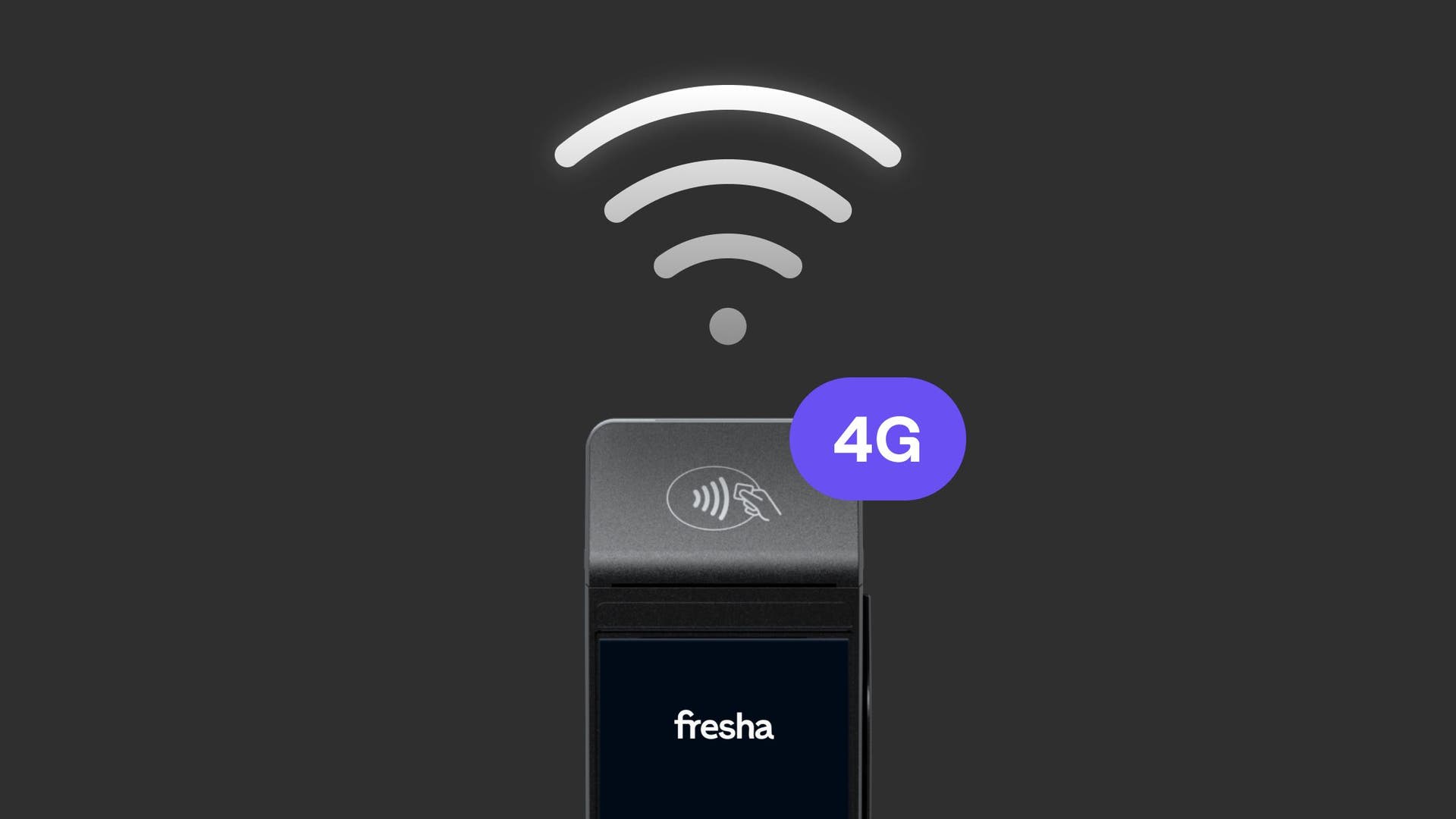
Stay connected anywhere
Every Fresha card terminal comes with a lifetime free 4G built in, so you’ll always have a reliable connection. Whether you’re taking payments at the front desk, chairside, or while working off-site, your card terminal stays connected and ready to use.
This gives you complete flexibility to accept payments wherever your business takes you, without interruptions or delays.
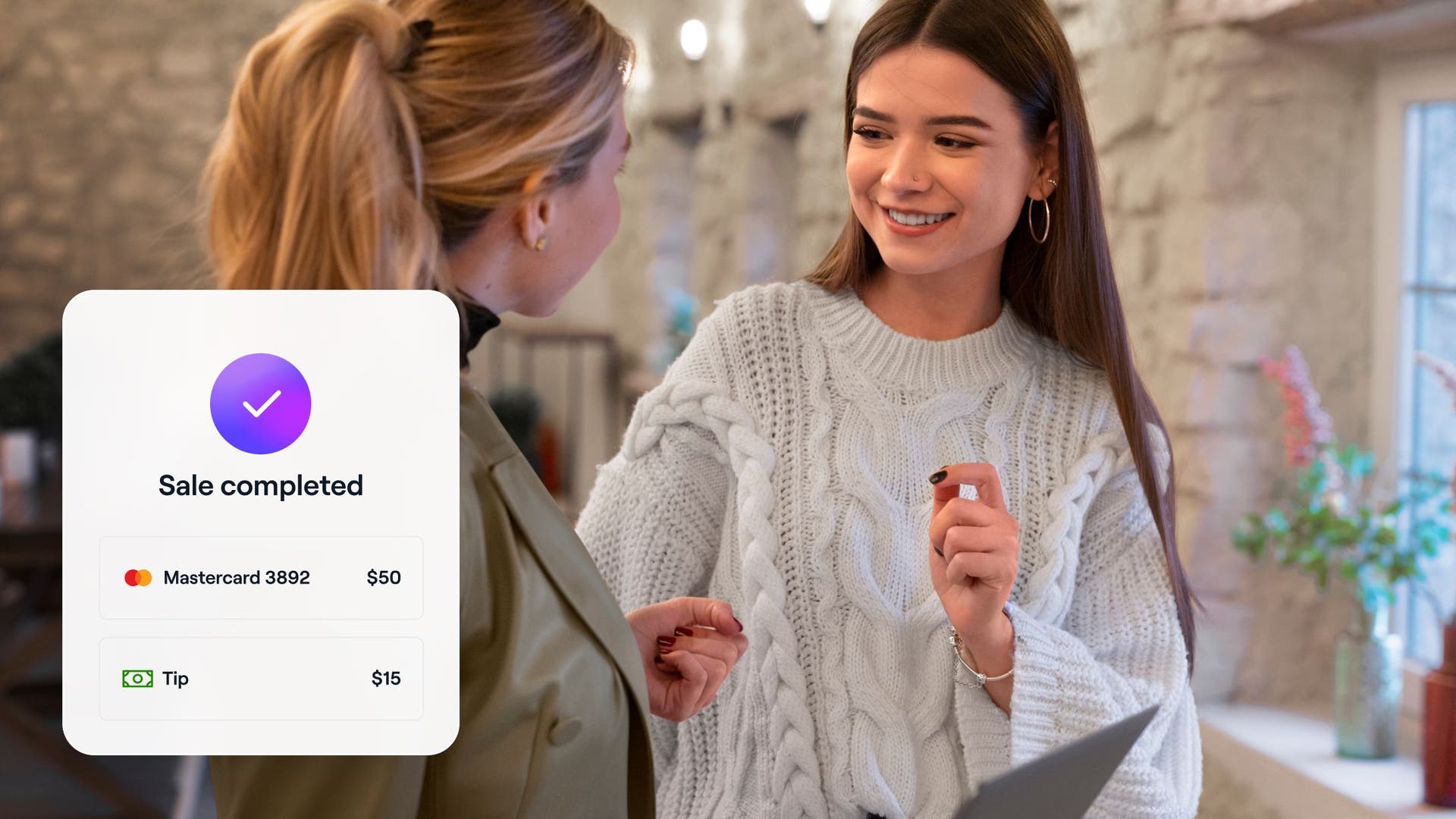
Make checkout simple for every client
With sleek touchscreen designs and fast processing, Fresha card terminals make checkout smooth and professional. With responsive touchscreens, fast processing, and a clean, professional interface, checkout is smooth and intuitive every time.
Clients can receive digital or printed receipts instantly, helping you create a polished, convenient experience at every visit.
Available card terminals
Fresha offers two card terminal models to suit your workspace and business needs.
AMS1 card terminal: The AMS1 offers a fast, paperless checkout experience in a sleek, lightweight device. It has a touchscreen and built-in 4G and Wi-Fi, making it easy to take payment anywhere. With digital receipts sent by text or email, it’s perfect for mobile professionals or smaller workspaces.
S1 card terminal: The S1 combines speed, reliability, and convenience in one card terminal. A large touchscreen, long battery life, and built-in printer make it ideal for busy environments. With 4G and Wi-Fi connectivity, you can deliver a smooth, professional checkout experience every time.