Client insights report
Discover how to use the Client Insights Report to manage your client database more effectively.
In this article
Client insights report explained
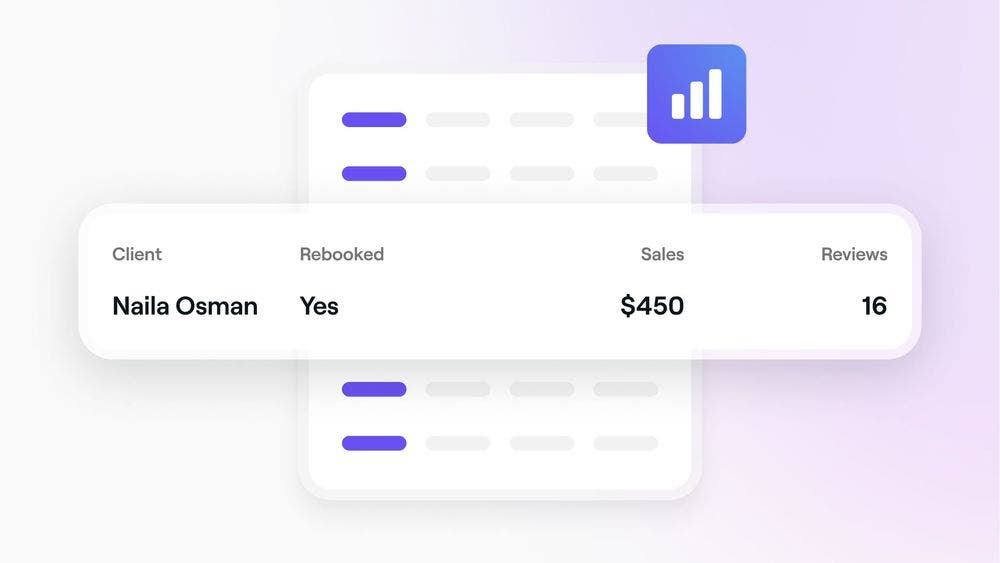
The Client Insights report gives you a snapshot of your clients, helping you answer questions like:
- When was the last appointment for clients who haven’t rebooked? - Check the “Last Appointment” column for that information.
- How many clients from last month haven’t rebooked? -
Set the date range filter to "Last Month" and filter by "Rebooked: No.".
Using the Client insights report
To make the most of the Client Insights report, start by selecting your date range and applying filters to focus on the data you want to see.
Date range
Use the calendar drop-down menu to choose your date range and view data for a specific period. The date range filter looks at the day a client was added to your account and includes both the start and end dates you select.
Filter options
Use the filters drop-down menu to narrow your data down by:
- Rebooked - Clients who have an appointment scheduled in the future (whether it’s within your selected date range or outside of it).
- Client gender - The gender specified in the client's profile.
- Location - The location where the client had their last appointment (excluding canceled or no-show appointments).
Understanding the Client insights data fields
When you use the Client Insights report, you'll be able to access the following fields to help analyze your data.
- Client - Name of the client (click on this to open the client's profile).
- Referred by - Name of the person who referred the client
- Gender - The gender specified in the client's profile.
- Age - The age specified in the client's profile.
- Mobile number - The mobile number specified in the client's profile.
- Email - The email address specified in the client's profile.
- Added on - The date the client was added to your Fresha account.
- First appointment - The client's first appointment (not including cancelled or no show appointments).
- Last appointment - The client's last appointment (not including cancelled or no show appointments).
- Rebooked - Clients that have an appointment scheduled in the future (the appointment can be scheduled within the selected date range or outside of this period).
- Total appointments - Total number of appointments scheduled for the client (this also includes future bookings and does not include cancelled or no show appointments).
- Total sales - The value of all scheduled appointments (this only includes services and does not include cancelled or no show appointments).
- Reviews - The average review rating and number of reviews the client left.
- Referral source - The channel the customer discovered the business(e.g. Fresha Marketplace, Book Now Link, Walk-In) or any field created under the Referral Sources page.
- Average months between appointments - The average number of months between the client appointments.
- Average weeks between appointments - The average number of weeks between the client appointments.
- Average days between appointments - The average number of days between the client appointments.
NOTE: All of the customers listed in your Client list will appear in the Client insights report.
TOP TIP: If you're looking for a specific client or want to create groups based on certain behaviors, it's best to use the Client list.