Liability summary report
Analyze, track and manage your business's liability activities with the Liability Summary Report.
In this article
Liability summary report explained
The Liability summary report provides a summary of different liability activities handled by your business.
A liability is when you collect money from selling gift cards or taking deposits, but you haven't provided the service yet. This is different from regular sales where you collect the money as soon as the service is provided.
NOTE: Deposits liability activities are associated with the location where the appointment took place.
Using the Liability summary report
The Liability summary report can be used to see an overall picture of the different liability activities such as collections, redemptions, expirations and refunds. To effectively utilize the Liability summary report, select your desired date range, and filter your report to refine the data, ensuring a focused analysis of liability activities.
Date range
Select a date range using the calendar drop-down menu to view data within a specific time frame. The date range filter is based on the day the activity took place, and includes the start and end date of the selected date range.
Filter options
Use the filter dropdown to refine the report by:
- Location - The business location where the liability activity took place.
Understanding the Liability summary data fields
The report includes several data fields to help you analyze your liability activities:
- Liability type - The type of liability, either Deposits or Gift Cards.
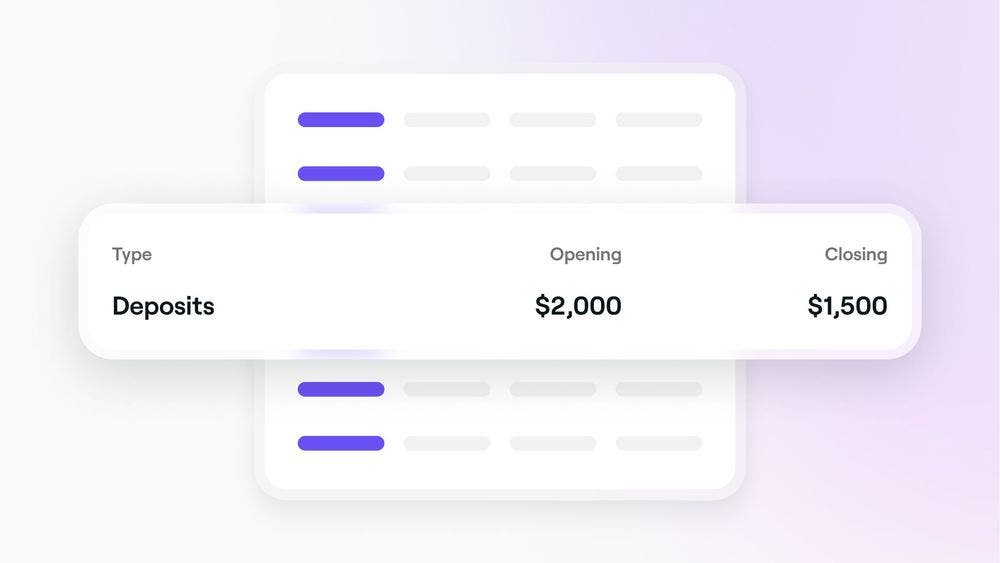
- Opening balance -
- Deposits - Value collected from earlier periods that are not redeemed/refunded yet.
- Gift Cards - Remaining balance at the start of the selected period.
- Collections -
- Deposits - The value of deposits collected during the selected period.
- Gift Cards - the value of gift cards sold during the selected period.
- Redemptions -
- Deposits - The value of deposits redeemed during the selected period, including deposits for cancelled or no show appointments within the deposit policy.
- Gift Cards - The value of gift cards redeemed during the selected period. Any Gift card value redeemed that is refunded will be taken into account here.
- Expirations - The value of gift cards that expired during the selected period.
- Refunds -
- Deposits - The value of deposits refunded during the selected period.
- Gift Cards - The value of gift cards refunded during the selected period of the initial gift card sale, not the refunded value of a redemption.
- Closing balance -
- Deposits - The value of deposits that are yet to be redeemed or refunded at the end of the selected period.
- Gift Cards - The value of the remaining balance from gift cards at the end of the selected period.
- Net change - Changes between the opening and closing balance due to activities that happened during the selected period.
TOP TIP: For a detailed breakdown of issues, collections, refunds, redemptions and expirations, you can use the Liability activity report.