Order your service menu
Learn how to arrange the order your services and categories appear online for clients to view.
How the service menu order works
You can set the order in which your services appear in your calendar and for clients booking online. This helps present your treatments in a clear, structured layout so clients can browse and choose services more easily.
If certain services need to be performed in a specific sequence during an appointment, you can set up a booking sequence. Booking sequences and your service menu order are managed separately, so changing your service menu order won’t affect the booking sequence.
Update your service menu order
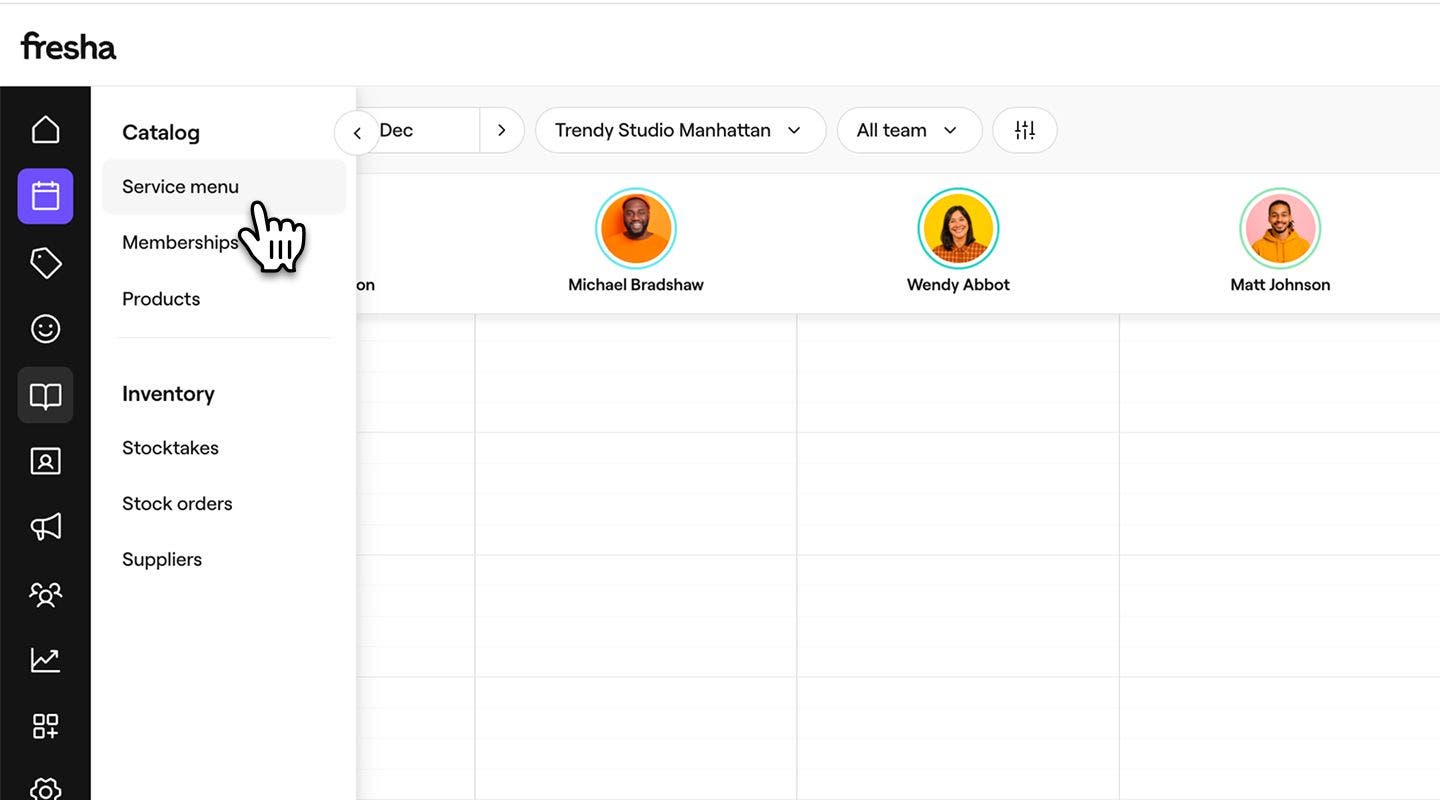
- From the main menu on the left of your screen, go to Catalog.
- Select Service menu from the left menu panel.
- Above the service menu, click on the Manage order button in the toolbar.

- In the Set menu order view, drag and drop the services and categories to arrange them.

- Click on the Save button in the top right to update your menu service order.
Once updated, your service order will be reflected both in your menu and for clients booking online.