Menu
Create and customize services and memberships for easy client booking
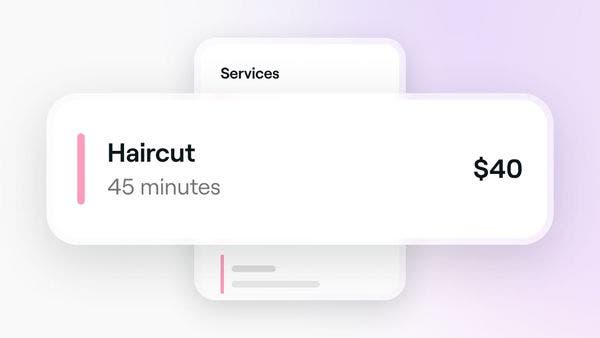
Create and manage your treatment offerings by setting up single services.
Manage where your services are offered, who can perform them, and which resources they require.
Inspire bookings by adding service images to your service, so clients can book directly from your service portfolio.
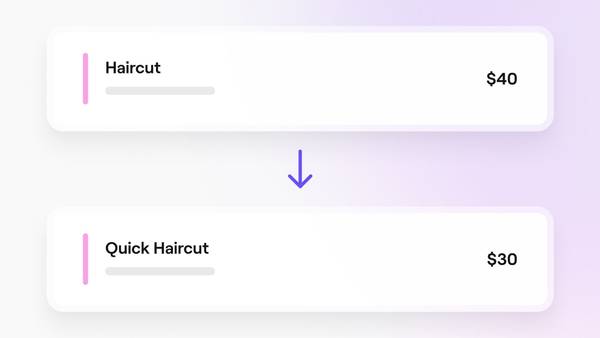
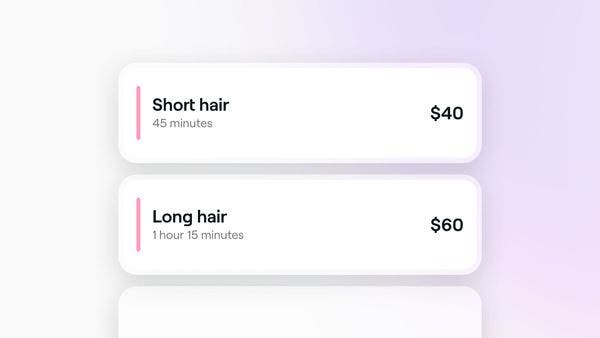
Offer flexible pricing options for your services by creating and managing service variants.
Adjust appointment durations by adding extra time to services, bundles, or individual appointments.
Create optional extras linked to specific services that clients can select when booking.
Setting different prices and durations for team members or locations.
Control when clients can book your services by setting specific times, days, or dates your services are available.
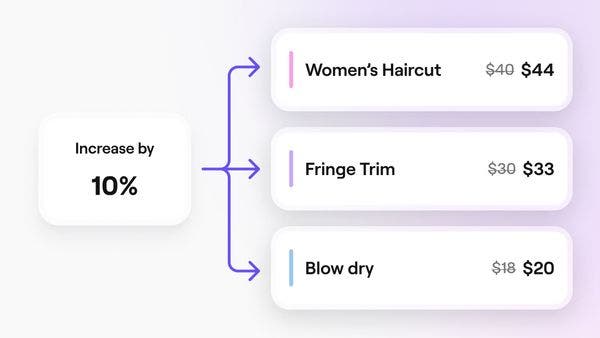
Edit price, duration, and other settings for multiple services at once on Fresha.
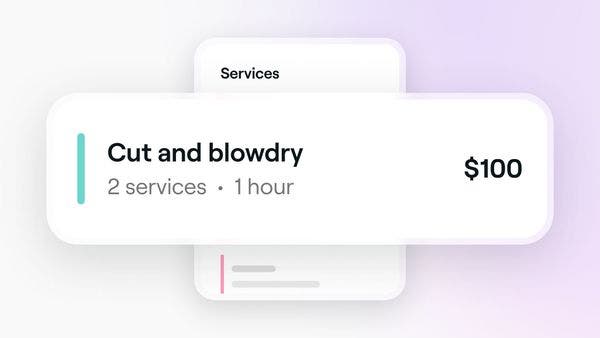
Increase bookings with bundles that combine multiple services into one convenient option for clients.
Organize your services into categories to make it easier for clients to browse and book.
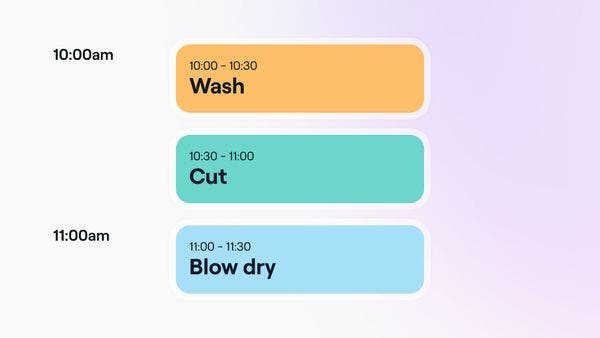
Ensure your services are booked and delivered in the correct order with a service booking sequence.
Organize your service menu to make it easier for clients to view and book services online.
Create a clear, professional service menu that improves your Marketplace visibility and helps clients easily understand and book your treatments.
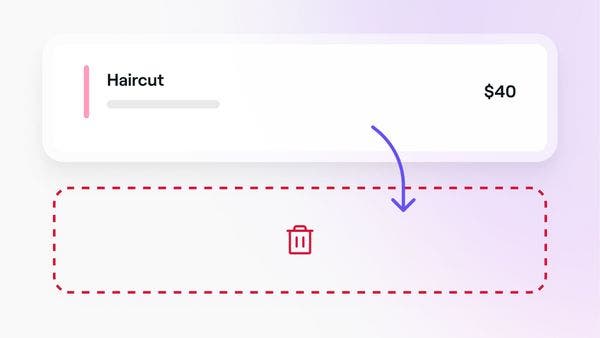
Keep your service menu up to date by archiving or deleting services and bundles.
Export your service menu from Fresha for easy record keeping.
Can't find an answer? We've got the solution. Find more support and connect with our team.