HomeKnowledge baseFresha academy
Workspace settings
  1. Knowledge base
  2. •
  3. Workspace settings

Workspace settings

Workspace settings help you efficiently organize and manage your business. Whether you're setting up new workspaces, managing multiple locations, or adjusting access, these features ensure your business runs smoothly. Learn how to create and optimize your workspaces seamlessly.

    • Your workspace
    • Locations
    • Workspace access
    • Ownership and controls

Your workspace

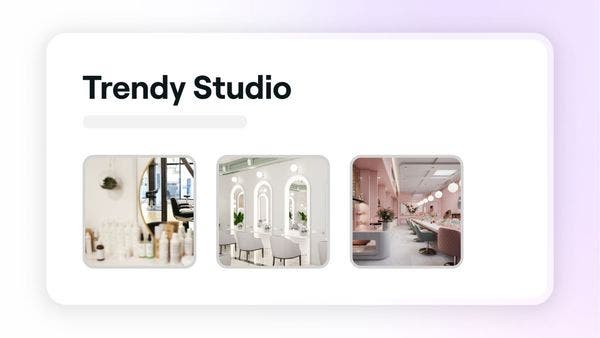
Create a new workspace

Efficiently manage your business by creating a new workspace from your personal account.

Create a new workspace

Efficiently manage your business by creating a new workspace from your personal account.

Update your business opening hours 

Manage the opening hours for your workspace to reflect when you're operating.

Update your business opening hours 

Manage the opening hours for your workspace to reflect when you're operating.

Update your business details

Keep your business details accurate by updating essential information.

Update your business details

Keep your business details accurate by updating essential information.

Supported devices and browsers with Fresha

Check which devices, operating systems, and browsers are supported when using Fresha.

Supported devices and browsers with Fresha

Check which devices, operating systems, and browsers are supported when using Fresha.

Locations

Create business locations

Easily manage your business across multiple locations by setting them up individually.

Create business locations

Easily manage your business across multiple locations by setting them up individually.

Manage business locations

Manage your business locations by editing or deleting them to keep your information up to date.

Manage business locations

Manage your business locations by editing or deleting them to keep your information up to date.

Workspace access

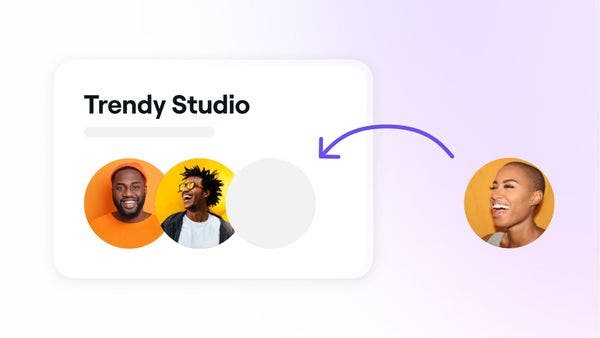
Join a workspace

Join a workspace through your personal account to access shifts and more.

Join a workspace

Join a workspace through your personal account to access shifts and more.

Transfer workspace ownership access

Transfer workspace ownership to a team member securely through your workspace settings.

Transfer workspace ownership access

Transfer workspace ownership to a team member securely through your workspace settings.

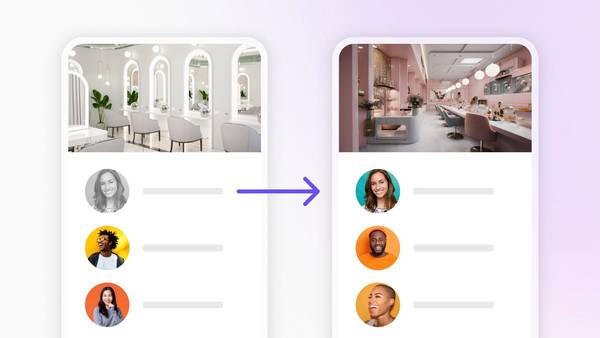
Switch between workspaces

Switch seamlessly between workspaces you have joined using a single Fresha business account.

Switch between workspaces

Switch seamlessly between workspaces you have joined using a single Fresha business account.

Ownership and controls

Live chat with Fresha premium support agent

Get support for your business

Get real-time, expert guidance from our specialists for tailored support.

Get support for your business

Get real-time, expert guidance from our specialists for tailored support.

Here to help

Can't find an answer? We've got the solution. Find more support and connect with our team.

Fresha
Get the app

About Fresha

Careers

Help and support

Blog

Sitemap

For business

For partners

Pricing

Features

Scheduling

Point of sale

Payments

Capital

Marketplace

Support

Status

Legal

Privacy Policy

Terms of service

Terms of use

Find us on social

Facebook
Linkedin
Instagram

© 2026 Fresha.com SV Ltd