Collect payments using multiple cards
Learn how to take payment for a sale using multiple client cards.
How payments with multiple cards work
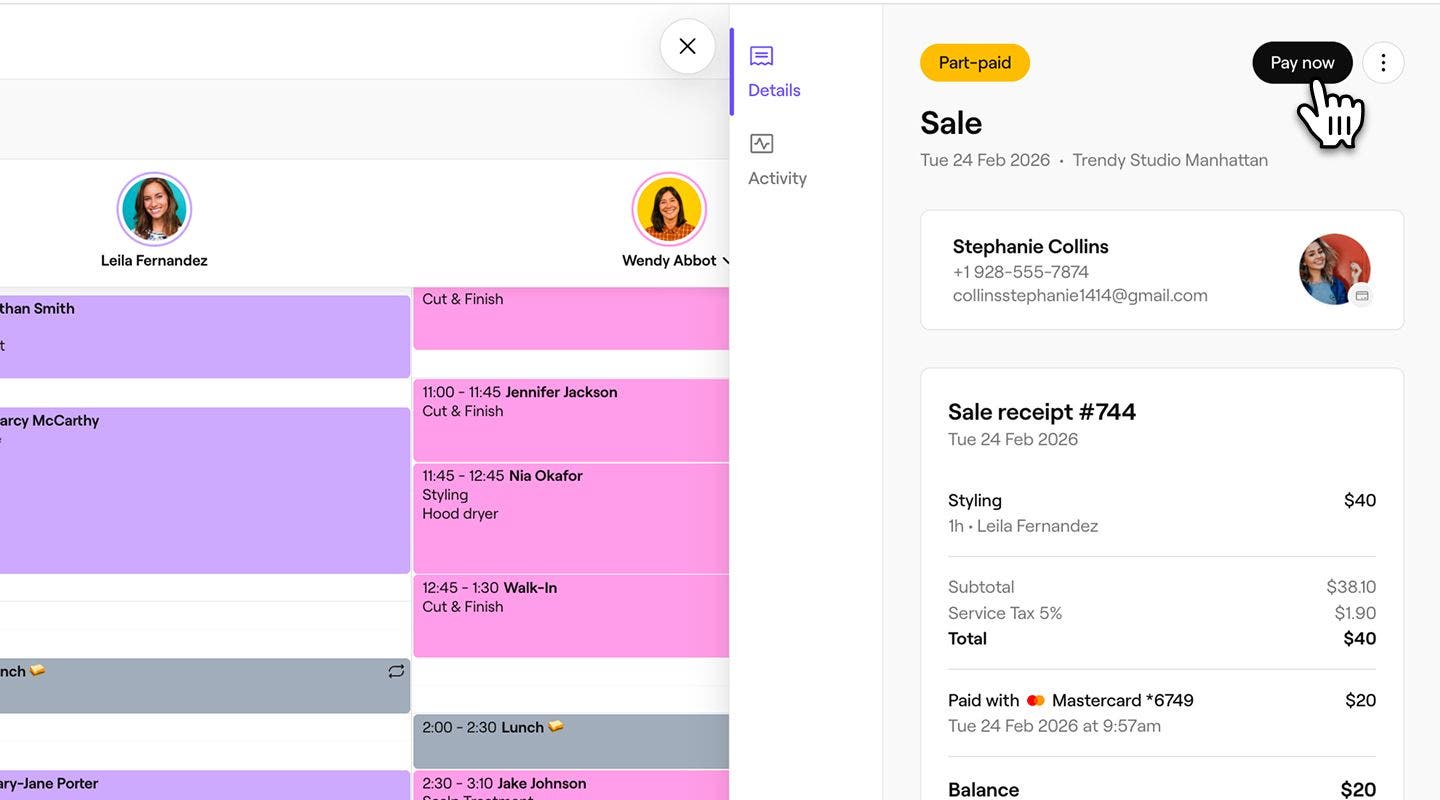
Split payments let you collect a sale in stages using multiple card payment methods. When you take the first payment, the sale is initially saved as part paid, allowing you to collect the remaining balance using another card payment.
Split payments can also be collected using multiple payment methods, such as card and cash.
Collect split payments with multiple cards
- Open an existing appointment from your calendar.
- In the right panel of the appointment view, click on the Checkout button at the bottom.

- You can also:
- Add more items to the cart using the Add to cart button in the right panel.
- Click on Quick actions (three dots) at the bottom of the right panel, where you'll find options to Apply a discount to the whole cart or individual services and Adjust service charges.
- You can also:
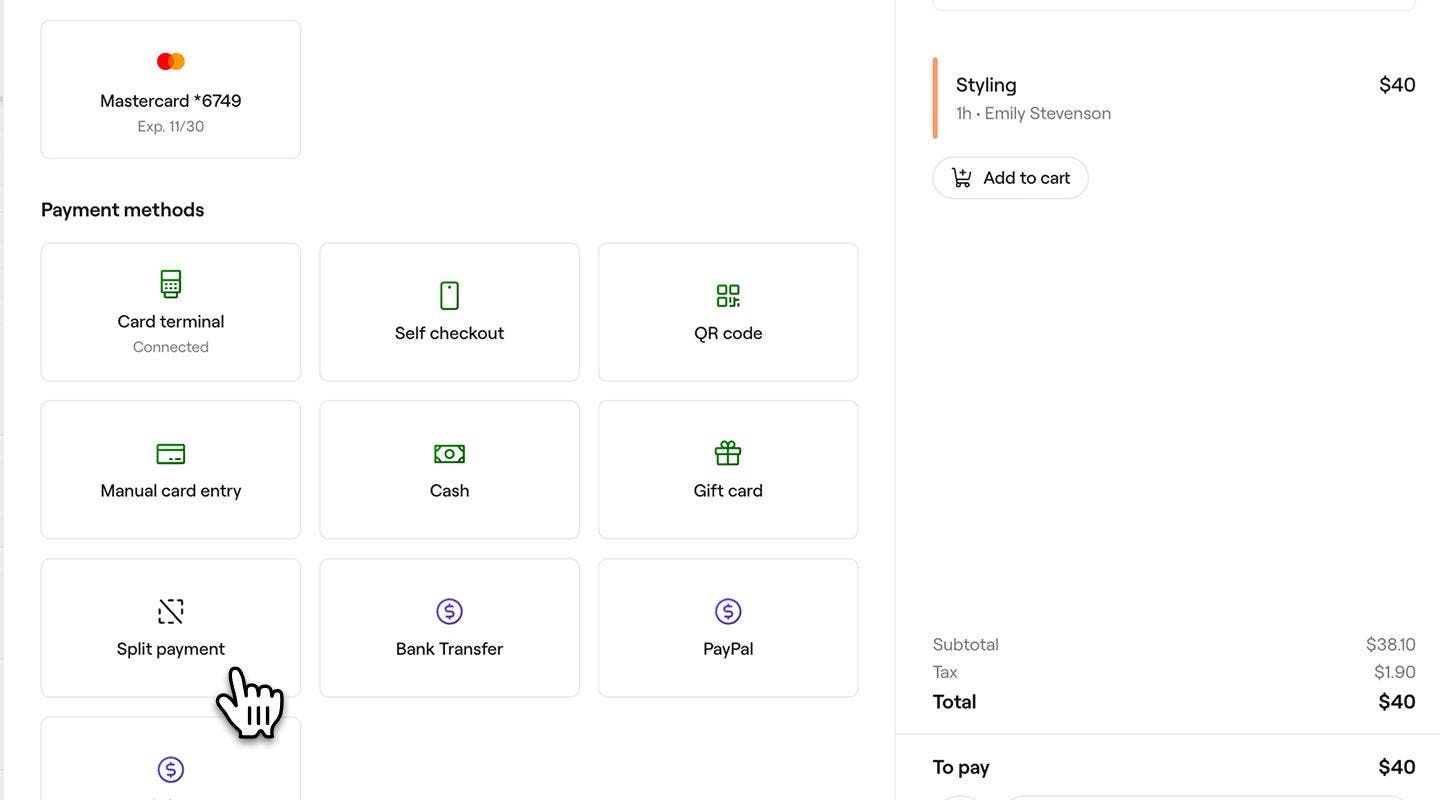
- In the left panel under Payment methods, select Split payment.
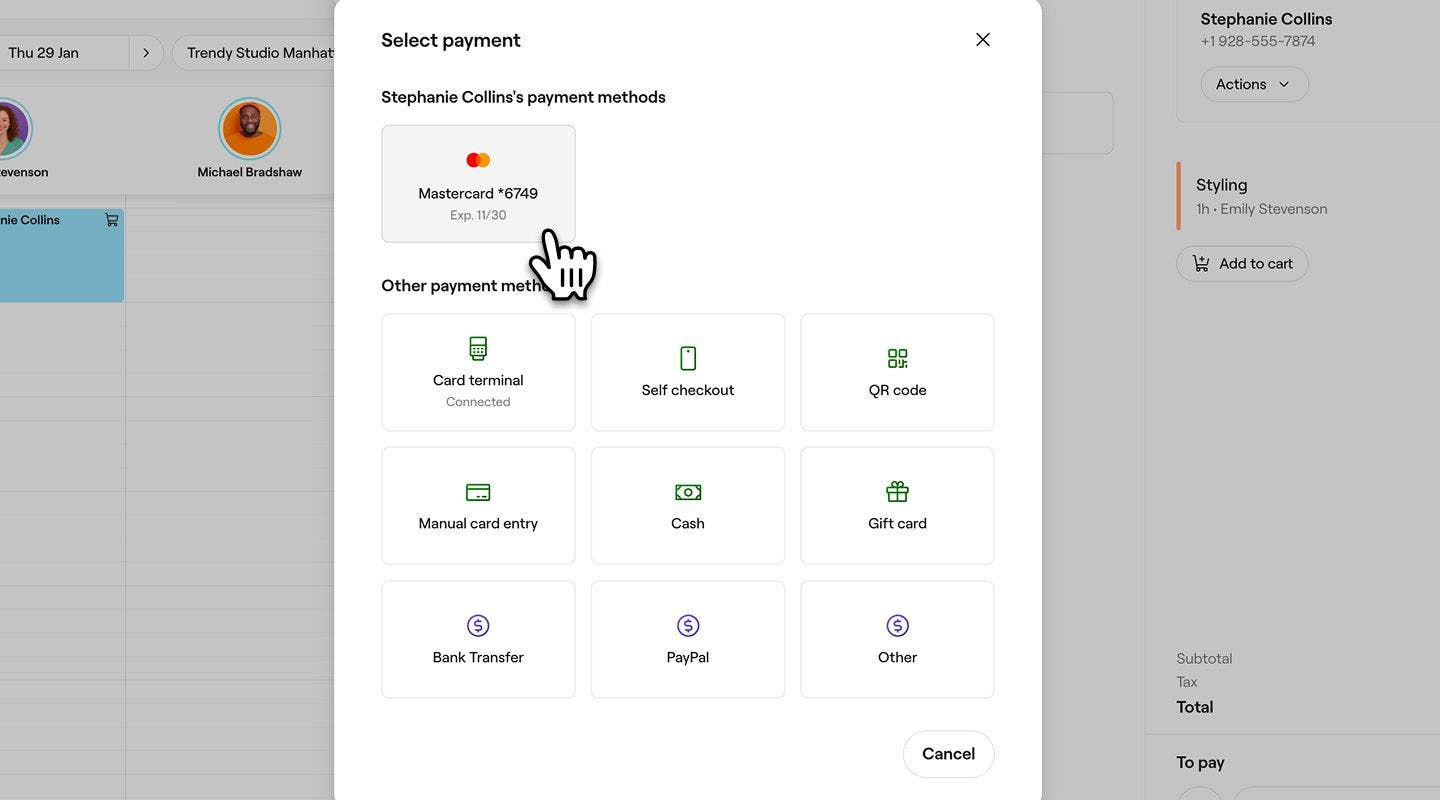
- In the payment pop-up, choose a card payment method such as the client's saved card, Card terminal, Self checkout, QR code, or Manual card entry.
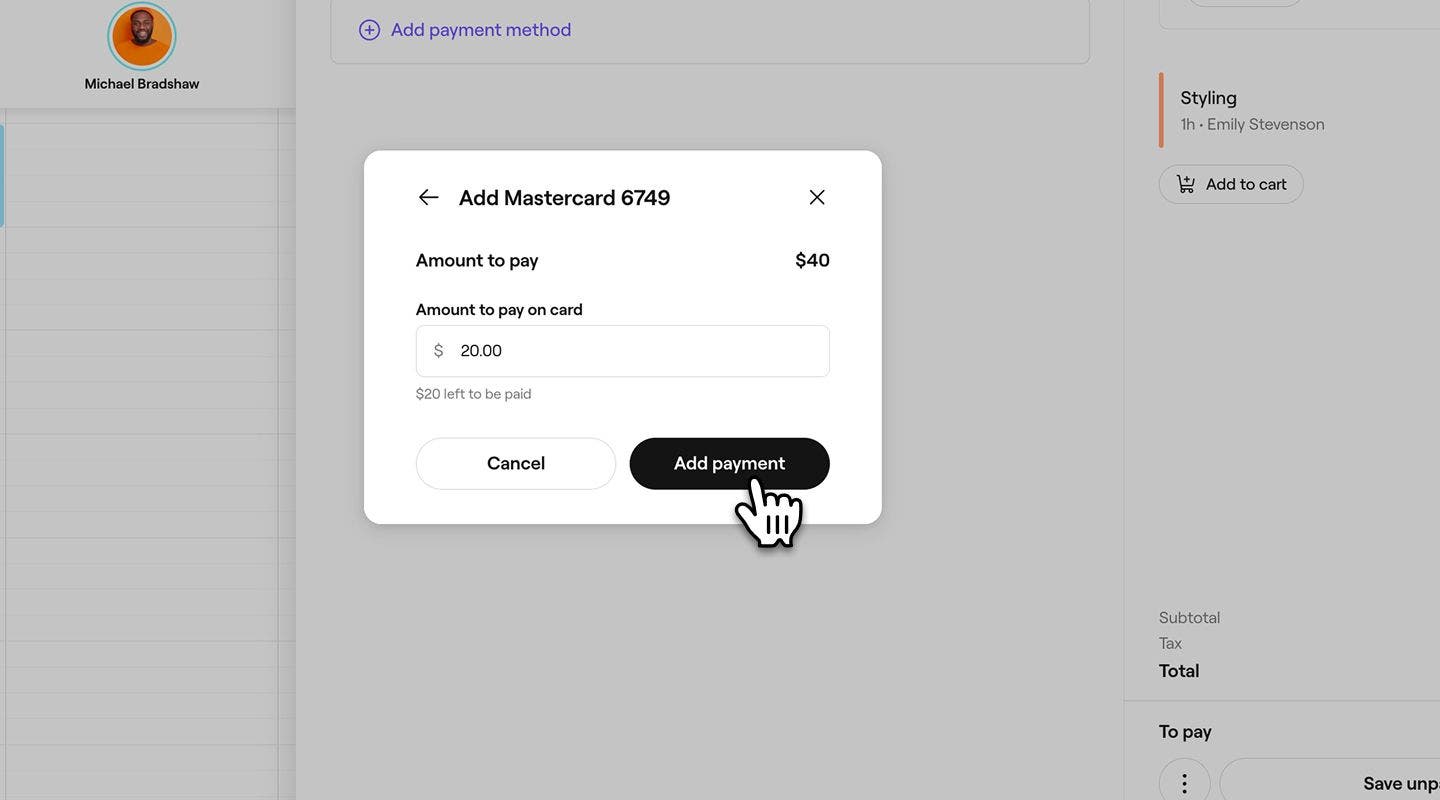
- Enter the payment amount, then click on the Add button.
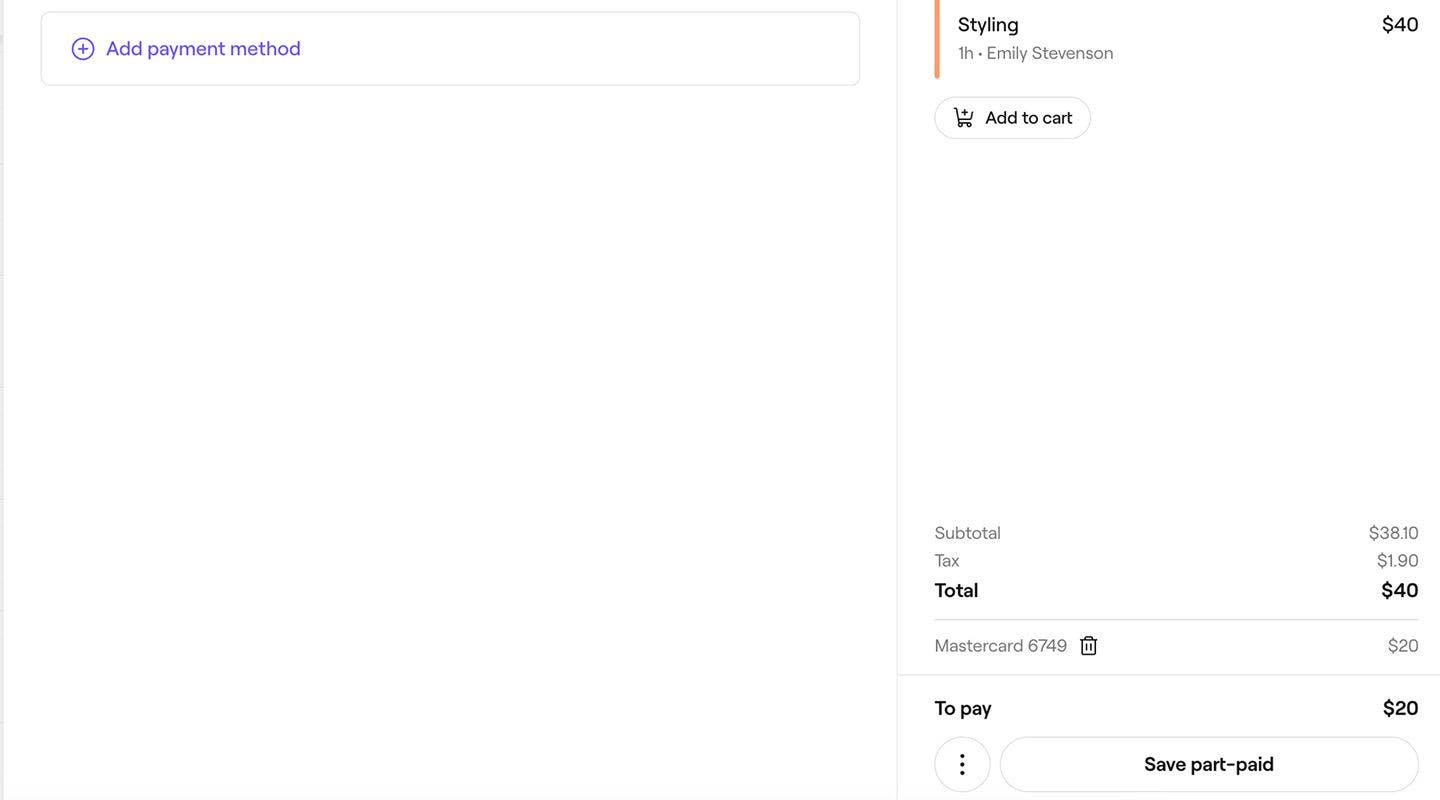
- Click on the Save part-paid button at the bottom of the right panel, to collect the first payment.
- In the pop-up, select the Continue button.
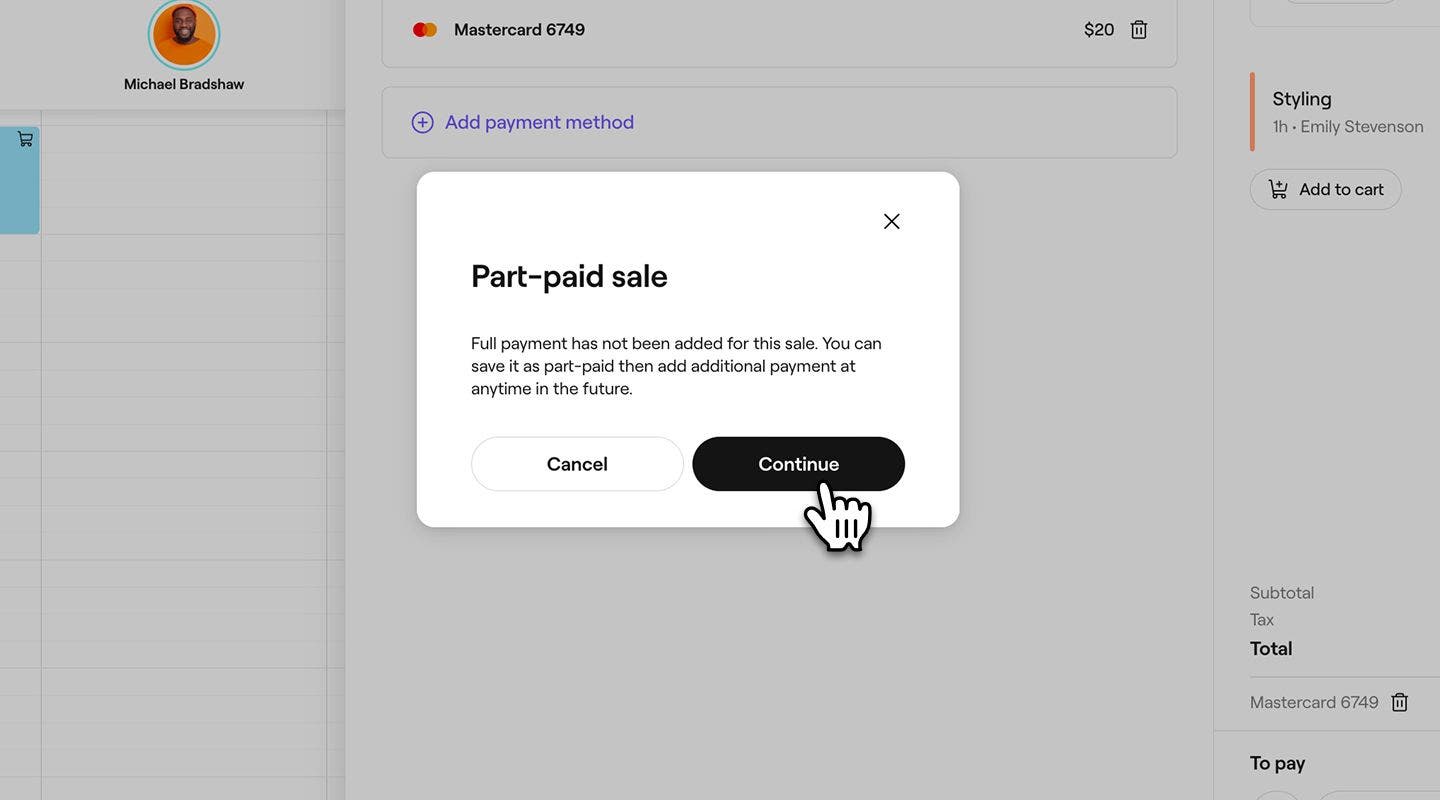
- In the right panel of the sale view, click on the Pay now button to process the remaining balance.
- In the left panel under Payment methods, select a card payment method.
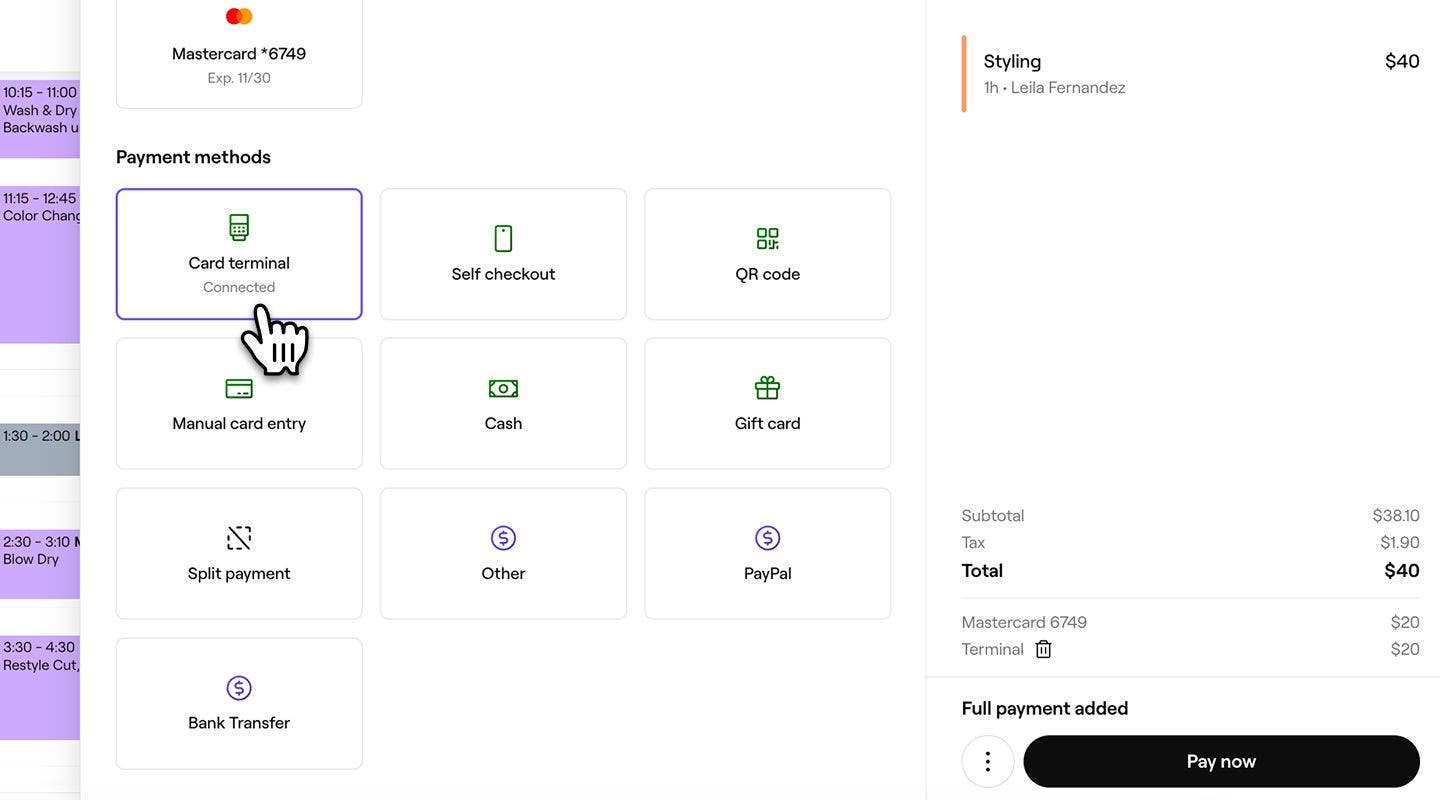
- Click on the Pay now button at the bottom to complete the sale.
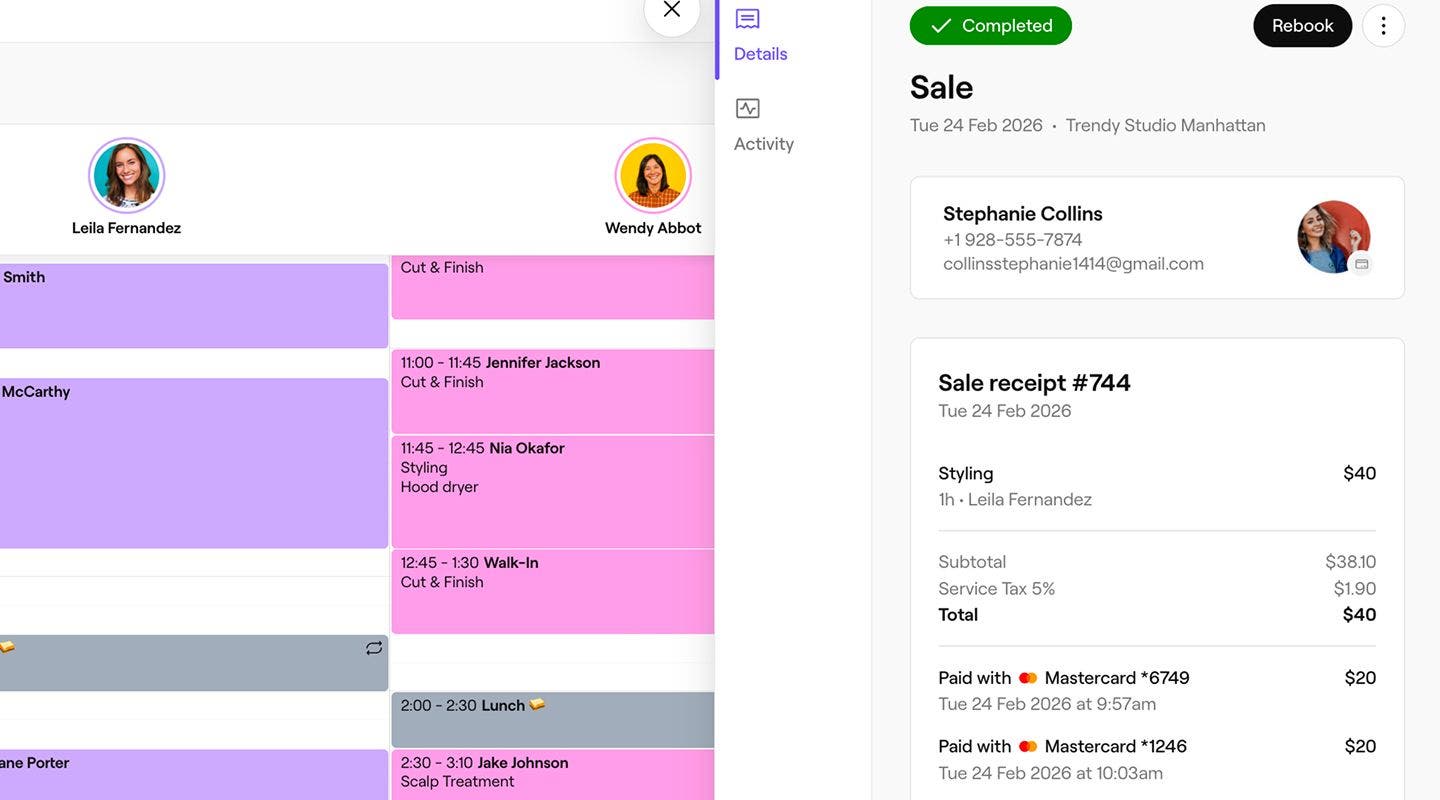
Once the payment is processed, a sale receipt is created, which you can share with the client by email or print.