Review Deal performance
Learn how to review the performance of your Deals to see which offers generate the most bookings, sales, and revenue.
In this article
About reviewing Deal performance
Reviewing performance helps you understand how your Deals are contributing to your business over time. Use performance insights to compare the effectiveness of different offers and pricing rules, and identify opportunities to improve future offers and pricing decisions.
Review Deal performance
-
From the main menu on the left of your screen, go to Marketing.
-
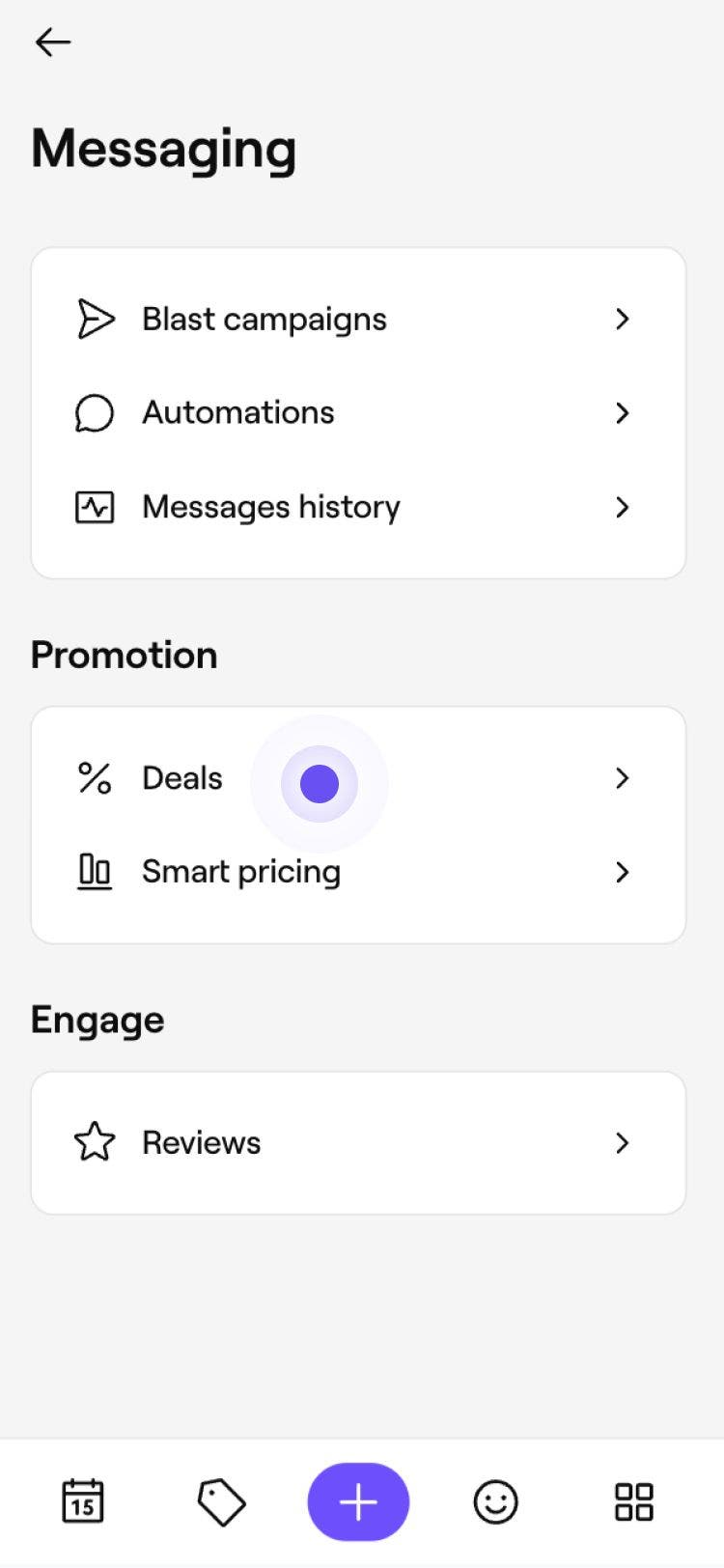
Select Deals to open your list of Promotions, Flash sales and Last-minute offers.

-
Click on the Deal you want to review to open its performance page. At the top of the page, review the following performance metrics:
- Total sales: Revenue generated from the Deal.
- Total appointments: Number of appointments booked using the Deal.
- Total clients: Number of clients who redeemed the Deal.

-
Scroll to the bottom of the page to review the Deal's setup and see which services, locations, and team members are included.



For more detailed analysis, view the Discount summary in your Reports. Review gross sales, item and cart discounts, and identify your best-performing offers.
FAQs
Performance metrics refresh every few hours, helping you keep track of how your Deals are performing. For the most complete view of recent activity, review results after a full day has passed.