Top-up your business wallet
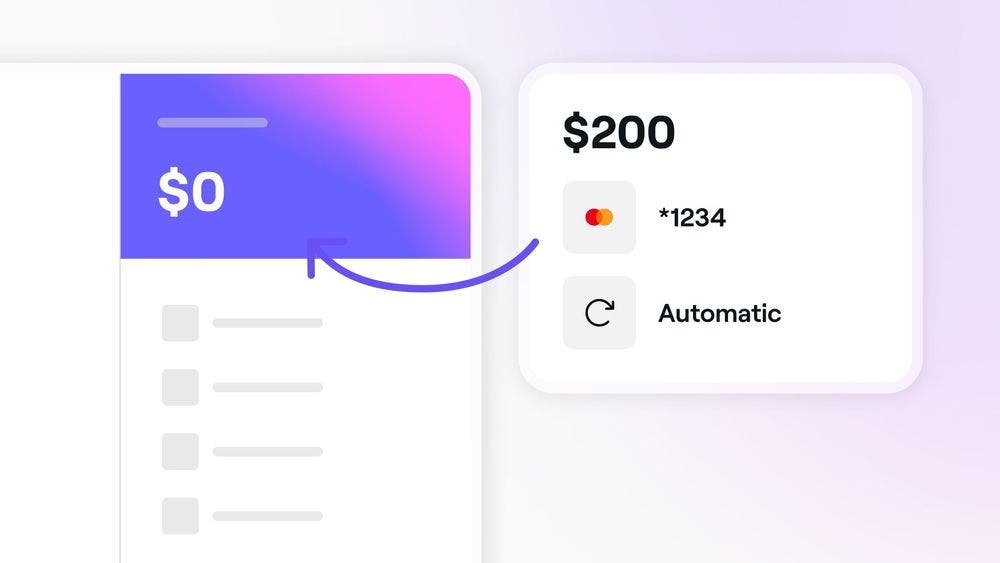
Add funds to your wallet when your balance is low, during a pay run, or when sending money. Learn how to top up your wallet using the payment card saved to your account.
Getting started
A small processing fee applies each time you top-up your wallet. This fee will appear when entering the balance amount and on your invoice, wallet activity, and email notification. To enable Fresha's wallet top-up feature we recommend:
- Make sure your account has been successfully verified.
Topping up your business wallet
To top-up your business wallet:
- Open your business wallet by clicking on the Wallet icon, then Fresha Accounts.
- For multiple business locations, use the dropdown arrow next to the balance to select the relevant one.
- Click Actions or More and select Auto top-ups.
- Your account's existing payment card will be pre-populated to send money to the business wallet.
- Enter the balance you wish to top-up your wallet with under Amount.
- Add a reference note and click Review.
- Once you’re happy with the transaction details, click Add money.
- Your payment may take up to 20 seconds to process on-screen.
- Once the transfer is complete, click Okay, got it to view the transaction details in your wallet.
To change the payment card used to top-up your business wallet, go to Payment methods and click the three dots to update the existing card on file before topping up.
How automatic top-ups work
Automated top-ups are charges made to the card you’ve added under payment methods. They happen when:
- Your Wallet balance is negative at the end of the month. We charge your card to bring your balance back to zero.
- You purchase extras like blast campaigns or terminals.
If your wallet balance is negative, we’ll charge your card one day before the end of the month. If your balance is positive, no charge will be made.
A negative balance can happen for a few reasons, like a new client fee, a refund, or an adjustment. For example, if a new client books through the marketplace app and pays in cash, a new client fee will be applied to your balance.
FAQs
When topping up your business wallet, you can transfer and payout to a bank account if you have a positive balance. However, if the funds were added to settle a negative balance, you cannot reverse the transaction back to the payment card.
The wallet top-up processing fee will be displayed when you enter the amount to add to your business wallet. Once the payment is processed, the fee will appear on your invoice, wallet activity, and email notification.