HomeKnowledge baseFresha academy
Update and delete products
Back
  1. Knowledge base•
  2. Inventory and products•
  3. Update and delete products

Update and delete products

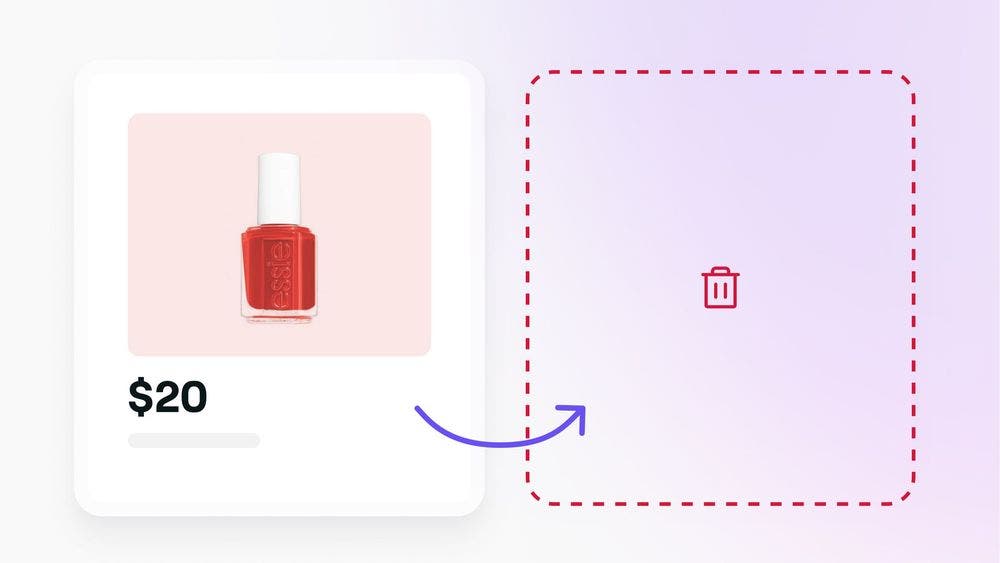
Keep your inventory accurate and up-to-date by regularly updating and deleting products. Learn how to manage your product inventory effectively.
In this article

  • Getting started
  • Updating products
  • Deleting products

Getting started

Before you can update or delete products, make sure you have the required permissions. If you’re a team member:

  • Request permission from the workspace owner for Products.

Updating products

To update a product:

  1. Open Catalog and select Products.
  2. Choose the product you want to update.
  3. Click Actions, then select Edit product.
  4. Make changes as needed.
  5. Click Save.

Deleting products

To delete a product:

  1. Open Catalog and select Products.
  2. Choose the product you want to delete.
  3. Click Actions, then select Delete product.
  4. Select Delete again to reconfirm.

FAQs

    • No, once a product has been deleted, it cannot be recovered.


Product list


Related articles

Was this guide helpful?

Product list

Add products to your inventory

Set up a detailed product list, ensuring your stock levels are always accurate and ready for client sales.

Importing an existing product list

Keep your stock levels up-to-date by using a product template or CSV file to upload in bulk.

Update and delete products

Keep your inventory accurate and up-to-date by updating and removing items from your inventory.

Manage product suppliers, brands and categories

Organize your inventory by setting up and managing product suppliers, brands, and categories.

Bulk edit retail and supplier prices

Streamline pricing updates by bulk editing retail and supplier prices for multiple products at once.

Related articles

Bulk edit retail and supplier prices

Streamline pricing updates by bulk editing retail and supplier prices for multiple products at once.

Sell products in-store

Offer clients immediate access to your products by selling in-store.

Create and manage an online product store

Create and manage your online product store to reach more clients.

Fresha
Get the app

About Fresha

Careers

Help and support

Blog

Sitemap

For business

For partners

Pricing

Features

Scheduling

Point of sale

Payments

Capital

Marketplace

Support

Status

Legal

Privacy Policy

Terms of service

Terms of use

Find us on social

Facebook
Linkedin
Instagram

© 2026 Fresha.com SV Ltd