Automated messages overview
Keep clients updated and engaged with with customizable notifications. Each type of automated message has a different purpose and sends automatically, freeing you up from day-to-day admin.

Set up notifications once and let them run in the background, automatically reaching the right client at the right time.
Maximize repeat bookings, reduce no-shows and keep clients updated with notifications about their appointments.
Incentivize clients to keep booking with messages celebrating key milestones - like birthdays and anniversaries.
Understand which notifications perform best with smart tracking to refine your client communications over time.

Keep appointments running smoothly
Help clients stay updated throughout their appointment journey without needing to manually follow-up. Automatically send appointment reminders, updates, and waitlist notifications, then encourage them to leave reviews and tips with thank you messages after each visit.

Reconnect with clients at the right time
Keep your calendar full without having to remember who to contact and when. Encourage clients to rebook after their appointment, win-back those who haven't visited for a while, and celebrate birthdays or important milestones with personalized discounts.
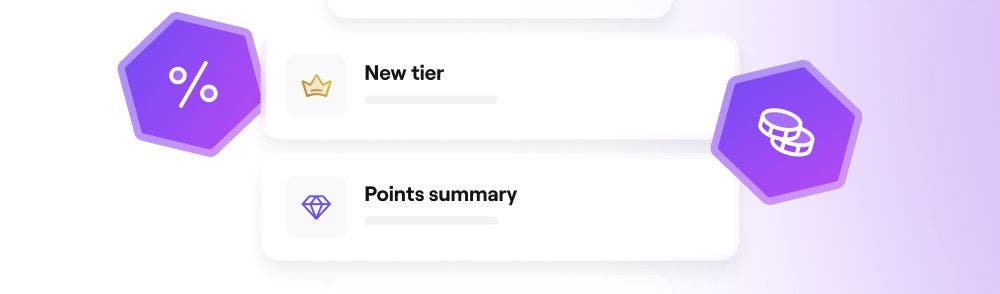
Keep your Client Loyalty program front of mind
Automatically update clients as they engage with your Client Loyalty program. Encourage them to keep collecting points, redeem their benefits and reach new tiers.

Never miss a conversation on Client Connect
Alert clients when they receive a new message from you on Client Connect, ensuring important messages always get seen. They will be directed to the two-way chat in Fresha where they can respond and continue the conversation.