Update automated messages
Learn how to keep automated messages up to date to keep client communications relevant.
-
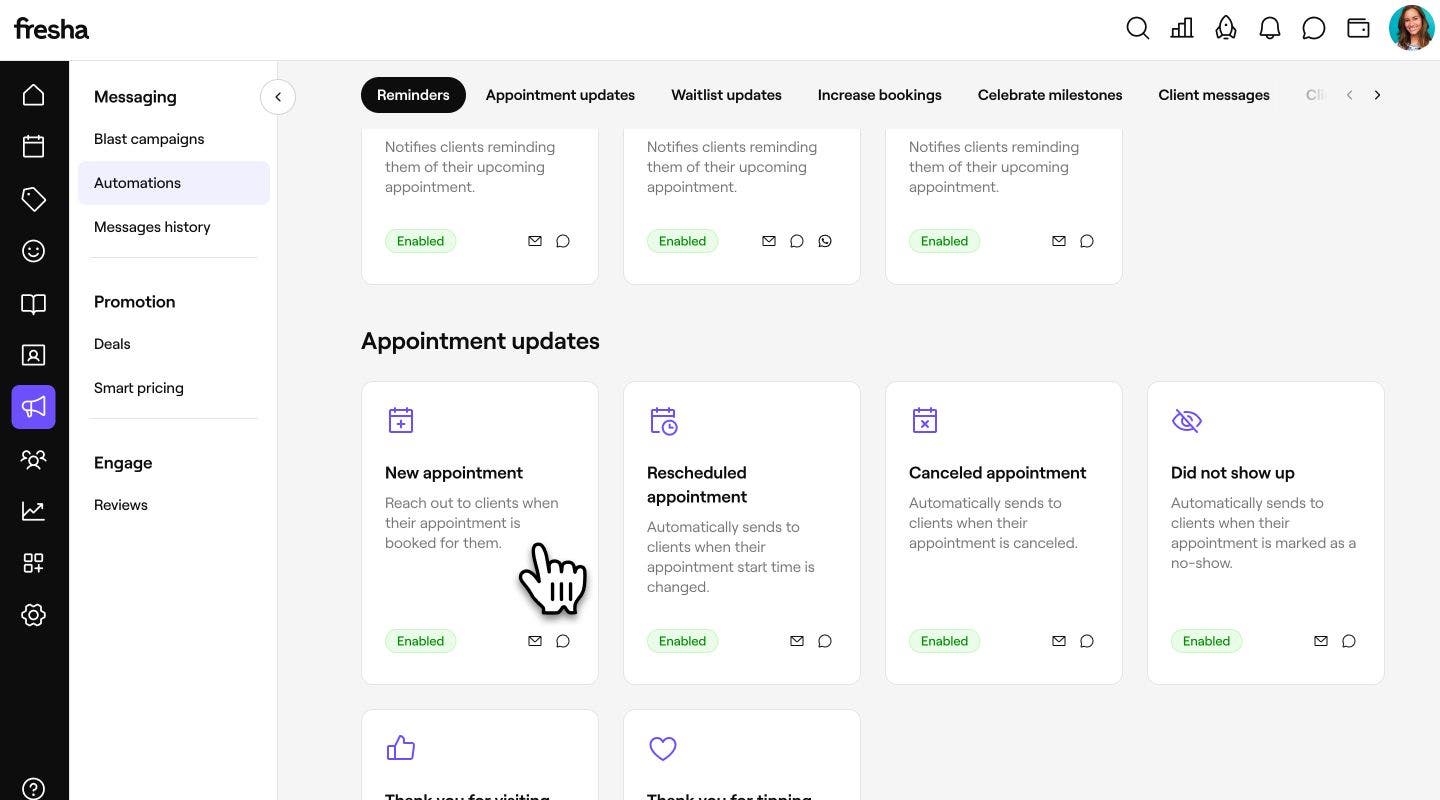
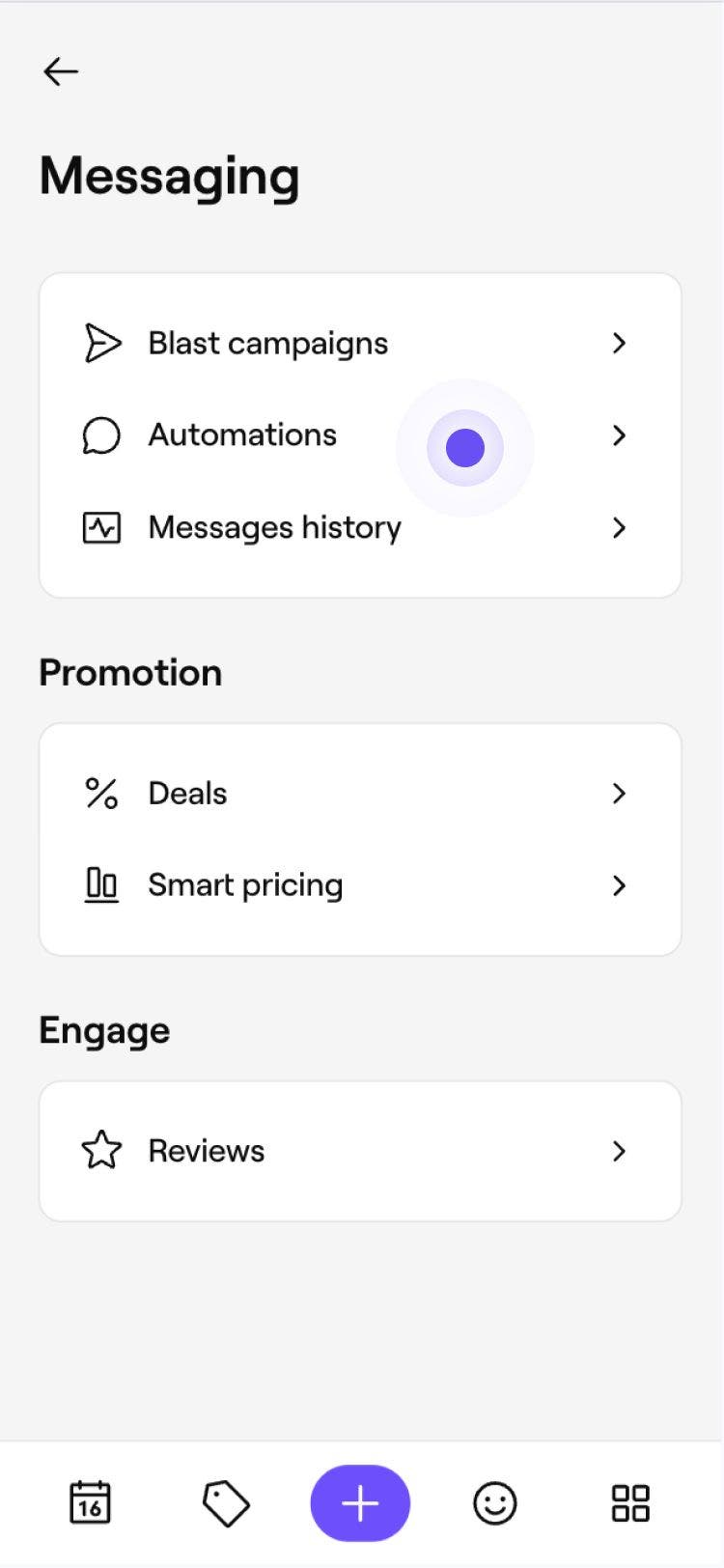
From the main menu on the left of your screen, go to Marketing.
-
In the left menu panel, select Automations.

-
Click on the automated message you want to update to open its overview page.
-
In the top right, click Options and select one of the actions from the dropdown:

- Edit: Change the automation’s settings, such as its trigger, associated Deal or delivery channels.
- Disable: Stop the automation from sending messages while keeping your settings saved. Click Disable in the pop-up to confirm.
- Reset: Restore the automation to its original settings. Click Reset in the pop-up to confirm. The automation will be permanently disabled and must be enabled again before the message can be sent again.
- Remove: Available only for custom notifications you've created. Click Remove in the pop-up to confirm.



Your changes are applied to the automated message immediately. Any updates to its settings or delivery rules will now take effect going forward.
FAQs
If an automated message is disabled, you will need to enable it first before any changes can be made.
If you don’t want the automation to start sending notifications again, click Options and Disable once you’ve finished editing. Your updated settings will be saved, but the automation will remain inactive until you enable it again.
You can only remove custom automated messages, including Reminders and Celebrate milestones. Removing your custom automated message is permanent. To send these again in the future, you will need to recreate the message using the Create new button on the Automations overview page.
Yes, you can see how your message appears to clients when setting up or editing an automation. Click Preview in the top right and use the tabs to see how the message will appear to clients across Email, Text message, and WhatsApp.
To send a test email to your inbox, click Send test email in the top right and enter your email before clicking Send to send a copy of the message to yourself.