Review automated message performance
Learn how performance insights can help improve the effectiveness of your automated messages and client engagement.
In this article
About reviewing automated message performance
Measure the impact of your automated messages to understand how clients interact with your communications and how they contribute to your business. Review engagement, bookings, and sales data to identify what’s working and refine how your messages are sent.
For example, compare delivery and open rates across Email, Text message, and WhatsApp, to identify which channels clients engage with most.
Access automation overviews
-
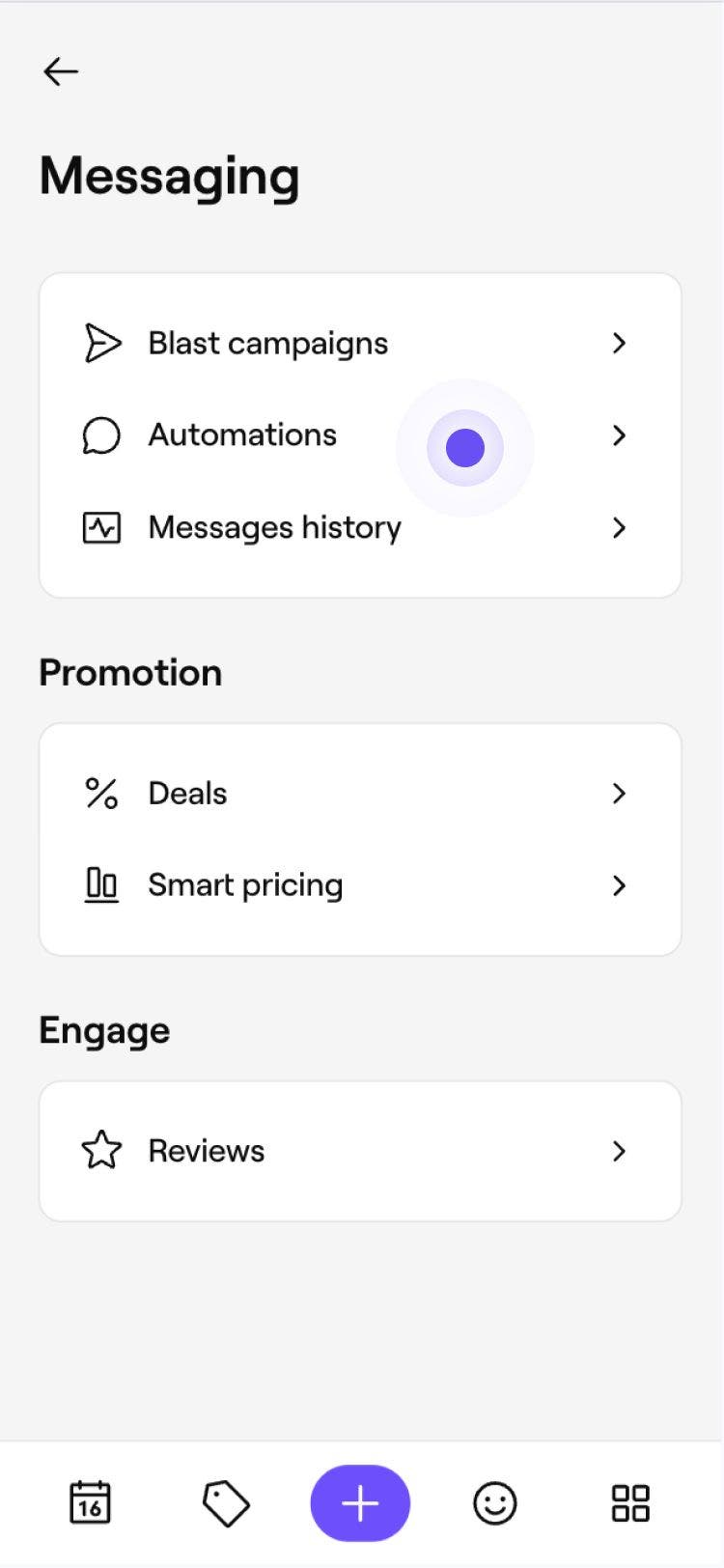
From the main menu on the left of your screen, go to Marketing.
-
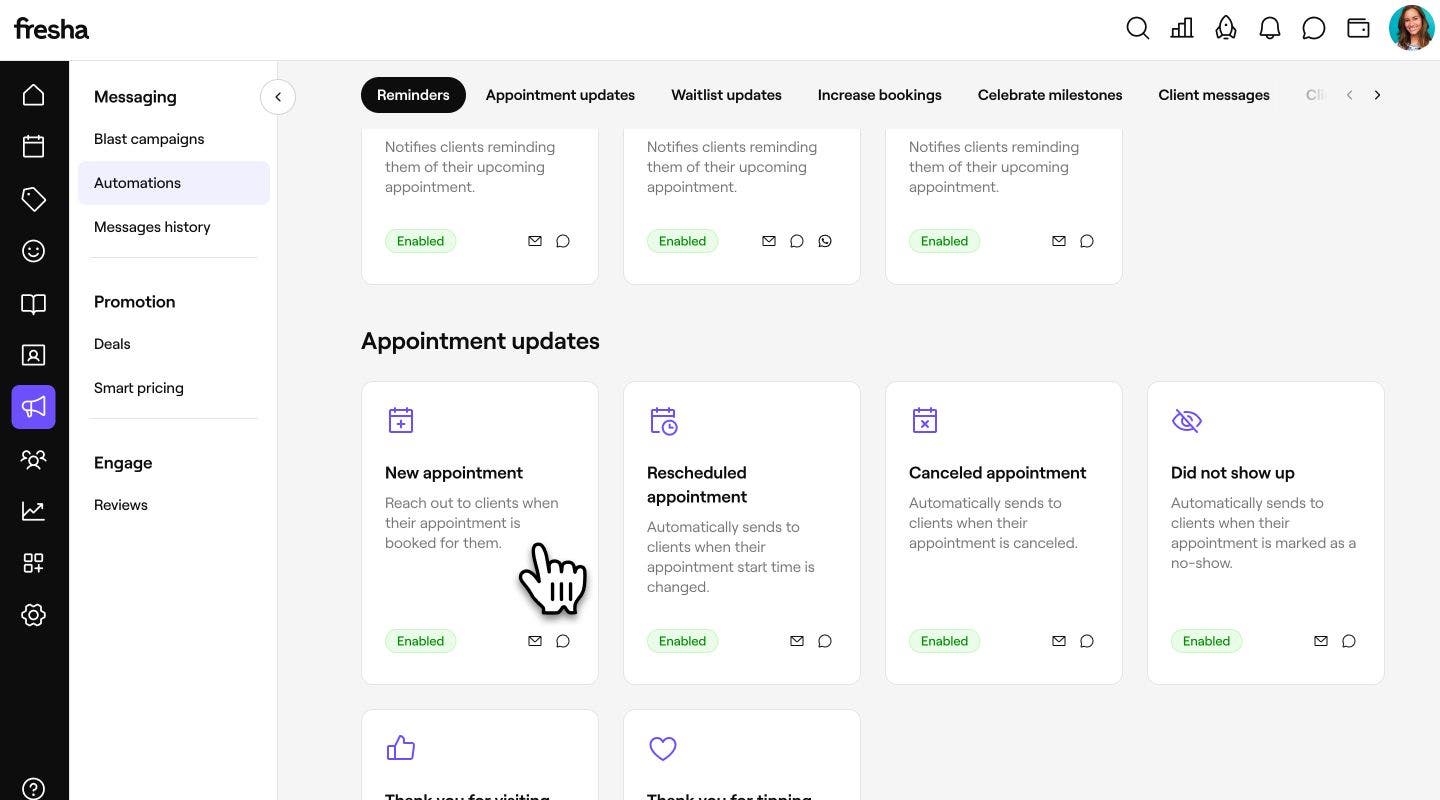
In the left menu panel, select Automations.

-
Click on the automated notification you want to review to open its overview page.
-
At the top of the page, use the tabs to switch between views:
- Performance: Compare performance over time between different channels with delivery and open rate metrics. Increase bookings and Celebrate milestones also include booking and sales metrics to measure their impact on appointments and revenue.

- Preview: See how your message appears to clients on different channels using the tabs at the top of the page.

- Details: Review the automation's settings, including its trigger, delivery channels, creation date, and last updated date.

- Performance: Compare performance over time between different channels with delivery and open rate metrics. Increase bookings and Celebrate milestones also include booking and sales metrics to measure their impact on appointments and revenue.



To see a combined summary of revenues from different sources, check the Sales summary report. Here you can filter the channel by 'Marketing - Automations'.
View automated message history
Access a record of all automated messages sent to clients, where you can search for individual messages by client name, email address or appointment reference.
- From the main menu on the left of your screen, go to Marketing.
- Select Messages history to open the list of your previously sent messages.

- Review the list of sent messages, including the time sent, client who received it, delivery channel, message type and delivery status.
- To view the content sent to a client, click the subject line in the Type column.

- To view the content sent to a client, click the subject line in the Type column.


FAQs
Performance metrics are stored for up to a year. When filtering, you can view and compare data from the past year to present day.
The metrics on the Performance tab refresh every few hours and will update continuously as long as your message is enabled and being sent to clients.
The Preview tab only displays the channels enabled for that automated message. For example, if the automation is set to send emails only, you'll only see the email preview. To preview Text message and WhatsApp, edit the automation and enable those delivery channels.
Sent includes every message your automation attempted to send, while Delivered counts only the messages that successfully reached clients.
If your Delivered count is lower than Sent, some messages couldn't be delivered. This can happen if a client's contact details are incorrect or out of date, or if there was a delivery issue, for example a full email inbox or phone provider restrictions. Reviewing and updating client contact information can help improve delivery rates.