About the marketplace new client fee
The Fresha Marketplace showcases your business to millions of clients actively searching for beauty and wellness services.
In this article
Millions of bookings are made on the Fresha Marketplace each month, with 4 out of 5 clients returning for more appointments. It's the most effective way to get discovered and booked by new clients and keep them coming back.
When Fresha brings you a brand-new client, a one-time Marketplace New Client Fee applies for introducing them to your business. This fee never applies to returning clients.
When does the fee apply?
The fee only ever applies once, on first-time bookings by new clients who found you on the Fresha Marketplace. It's specifically for appointments where:
- The client books through the Fresha Marketplace, including the Partner Network,
- and the client's email or mobile number doesn't match the details of anyone already in your client list,
- and the client confirms it's their first appointment with your business when booking online.
The fee never applies to returning clients and any bookings from your website, direct links, Instagram and Facebook.
How much is the fee?
The fee is calculated as a percentage of the total service price of the new client’s first appointment.
It's always in line with the business you gained from the marketplace. Any items you add later, such as additional services, products or tips, are excluded from the fee calculation.
For higher-value appointments, the fee is capped to a maximum amount. Similarly, a minimum amount applies to lower-value appointments, including free ones.
To see current rates in full, head to our pricing page.
Keeping track of new marketplace clients
Your account gives you several ways to explore how clients discovered your business through the Fresha Marketplace.
See how much business new clients bring in: For the best picture of your overall growth from new clients, see your online presence dashboard. Across your reports, filter and group your data by channel and client source, selecting Fresha Marketplace.
Viewing a client's booking journey: On an appointment, select the New Fresha Client label, or on a client profile, select Fresha Marketplace under Client source. Either option opens a detailed breakdown of how the client discovered your business on Fresha.

What happens if a client’s appointment changes?
The fee reflects the new business Fresha brings you, so there’s flexibility when a client’s first appointment changes.
If the appointment is rescheduled, the fee simply applies at the new appointment time.
If the client cancels online or you mark as no-show, the fee applies to the next appointment they attend.
If you cancel the appointment from your calendar, the fee applies at the time of cancellation. No further fees apply to the client’s future appointments.
Identifying first-time clients
All clients booking online through Fresha must provide a verified mobile number and email address. When they book with your business, these details are checked against every client record in your list, including those you've previously added or imported.
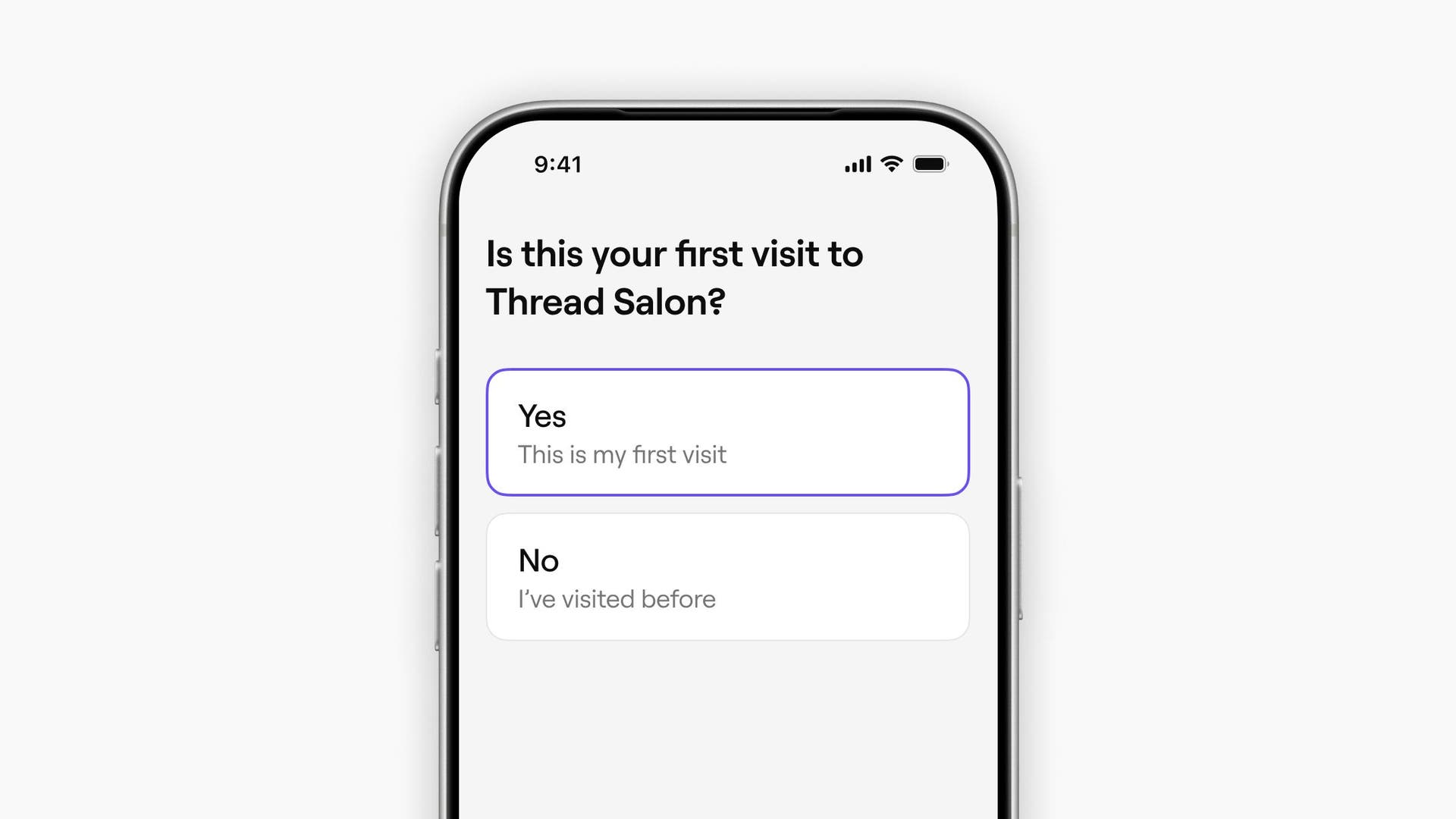
If someone books through the Fresha Marketplace and their details don't match anyone in your client list, they're asked whether they've visited your business before. Only those who state it's their first appointment are recorded as Fresha Marketplace new clients.
Until 31 December 2026, the fee may apply when a new client first discovers your marketplace profile before going on to book through your website, direct links, Instagram or Facebook. While these clients originally discovered your business through the marketplace, this can make it less clear when the fee applies.
From 1 January 2027, planned improvements will make this simpler and clearer. The fee will be based solely on where a client books, regardless of whether they discovered your business on the marketplace ahead of booking.
FAQs
- When they discovered and booked your business on the Fresha Marketplace
- When they confirmed they had visited your business before
- Any applicable no-shows or online cancellations
- When the Marketplace new client fee was charged and the amount
- If the discount is already applied to the appointment when they book, the fee is based on the discounted price.
- If you or your team add a discount to the appointment later or at checkout, the fee is still based on the original price the client booked.
- Business Wallet: View each fee as it's charged, with a real-time record of all Marketplace New Client Fees.
- Monthly Fresha invoices: See the total amount charged in Marketplace New Client Fees for the month.
From the “New Fresha Client” label or “Fresha Marketplace” Client source, you can open the client’s full journey and see:
First, check the client’s Marketplace journey to see how they discovered your business and when the fee was charged.
Marketplace New Client Fees are non-refundable, but if you still believe a fee has been applied incorrectly, contact Fresha Support so we can review the charge with you.
The fee is based on the appointment price the client books online.
Yes, the fee applies to online bookings made through the waitlist if the client is new to your business and discovered you through the Fresha Marketplace or Partner Network.
If an appointment isn’t checked out on the scheduled day, it’s treated as completed and the fee applies.
If the client cancels their first appointment online themselves or you mark them as a no-show, the fee applies to the next appointment they attend. The amount is calculated using the service value of that appointment.
The Marketplace New Client Fee currently applies to businesses in United Kingdom, Australia, United States, Canada, Saudi Arabia, United Arab Emirates, Ireland, New Zealand, Malta, Hungary, Croatia, Switzerland, Denmark, Norway, Gibraltar, Puerto Rico.
It's only charged when your marketplace profile is published and a booking meets all the conditions for the fee.
The fee isn't charged in any other countries at this time.
For country-specific rates, see our pricing page.
You can view your Marketplace New Client Fees in your Business Wallet and monthly Fresha invoices.