Team Connect overview
Give your team a dedicated space to message, collaborate, and stay in touch, all without leaving Fresha. Create groups, share files, and keep every update where it belongs. No more missed messages, no more scrolling through other apps.
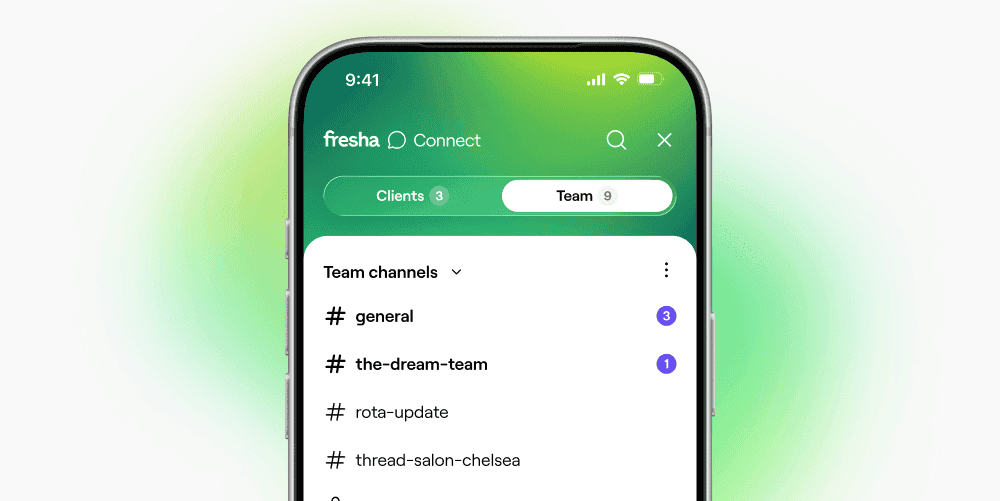
Chat with your team, right where they already work
Give your team a dedicated space to message, coordinate and stay in tune.
Keep all files, updates and decisions in Fresha, not buried in external apps.
Loved by teams of all sizes - with instant messaging, notifications and privacy options

Give your team a dedicated space
Set up custom channels as dedicated spaces to communicate around specific topics like teams, locations, or projects, making it easier for the right people to stay connected. Make them public for workspace-wide discussions, or private for more focused conversations between selected team members.
Team members can browse channels, share updates and files, view message history, and jump into the conversations that matter most to them. For more direct communication, one-on-one messaging makes private conversations quick and easy.
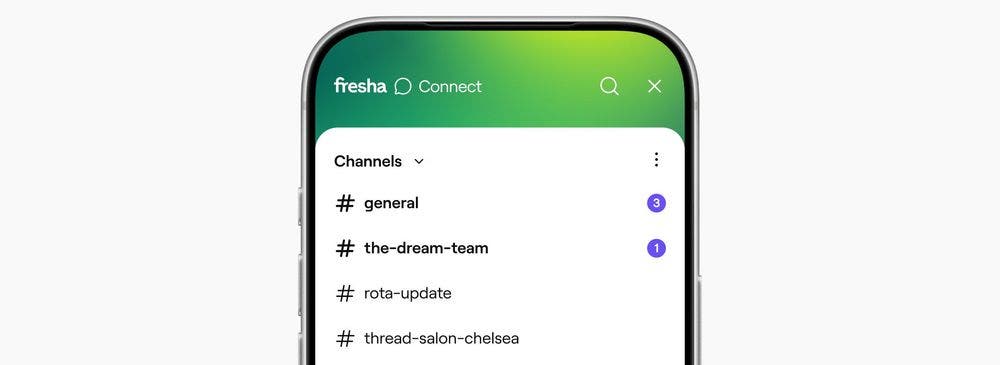
Built in, not bolted on
Keep all your business files, updates, and decisions in Fresha, instead of buried across external apps. Team Connect works directly inside your workspace, so conversations stay connected alongside appointments, calendars, clients, and bookings, making it easy for your team to find what matters most.
With everything inside Fresha, your business communication stays secure, organized, and easy to manage in one trusted place.
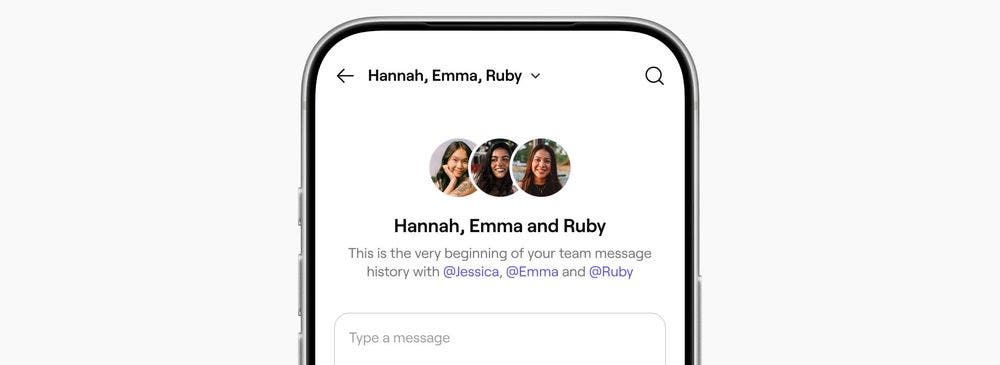
Make sure your team never misses a beat
With instant notifications sent directly to each team member, your team can stay up to date on shift swaps, important announcements, day-to-day conversations, and last-minute changes without missing a thing.
Because every team member has their own Fresha login, Team Connect works for businesses of all sizes, with privacy options and team access controls that help you manage conversations securely as your team grows.