How you see your calendar
Learn how to switch between calendar views in Fresha and choose the best layout for seeing your appointments and team schedules
About calendar views
Your calendar lets you view and manage your appointments in a way that works best for you. Each view displays your bookings differently, from daily and weekly schedules to a team timeline, appointment list or status board. All views use the same appointment information, so any changes made to bookings are reflected across your calendar.
Your calendar view is personal to you and does not affect how other team members see their calendars. Whether you're managing the day ahead or planning for the coming weeks, you can switch between views at any time and customize each one to change how your calendar looks and what information is displayed.
Explore the different calendar views
Day view
See all your appointments for a single day, organized by team members or resources. Great for managing daily bookings, checking availability and spotting gaps for last-minute appointments.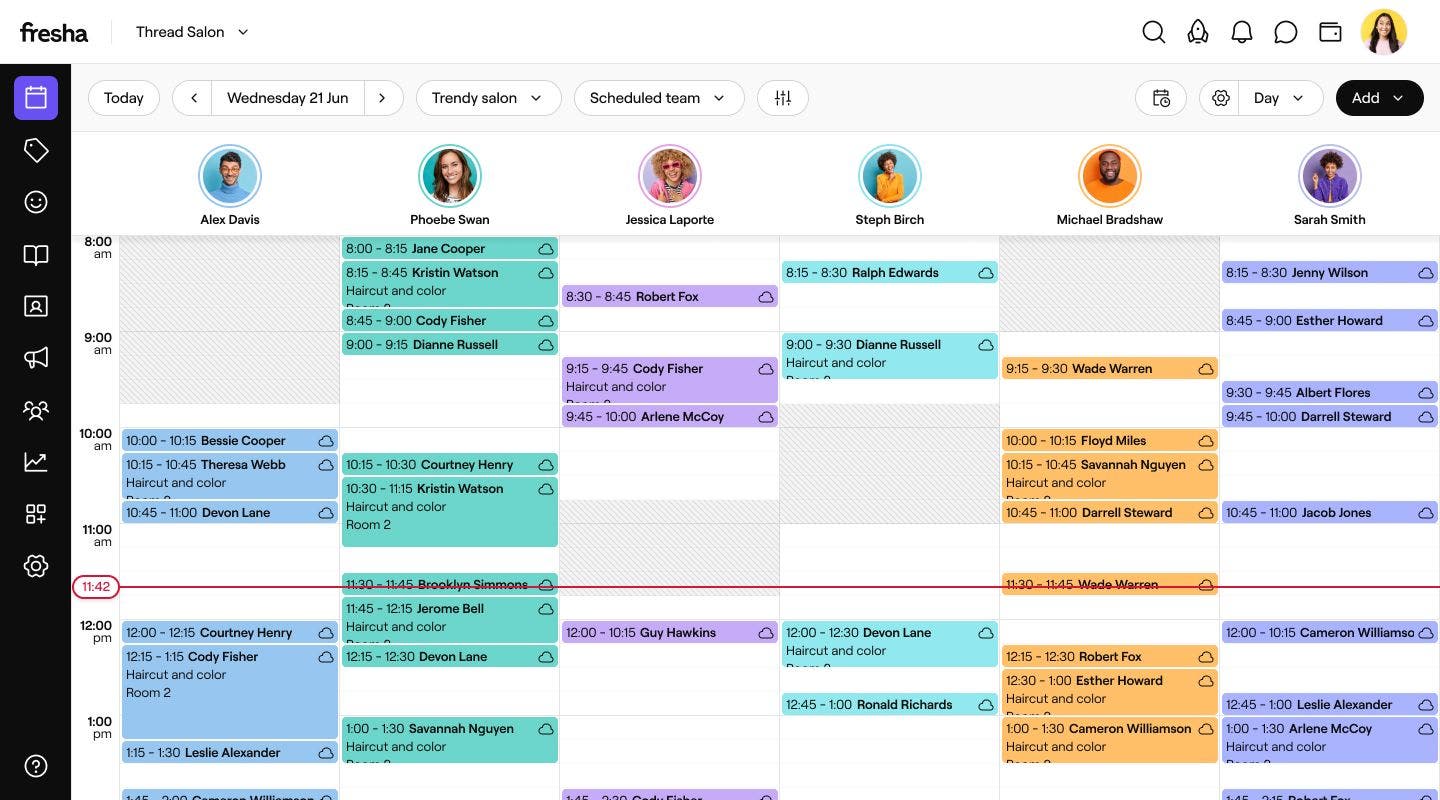
3 day view
View three days of appointments side by side, so you can see what's coming up without looking at your entire week. Useful for checking availability and planning your bookings over the next few days.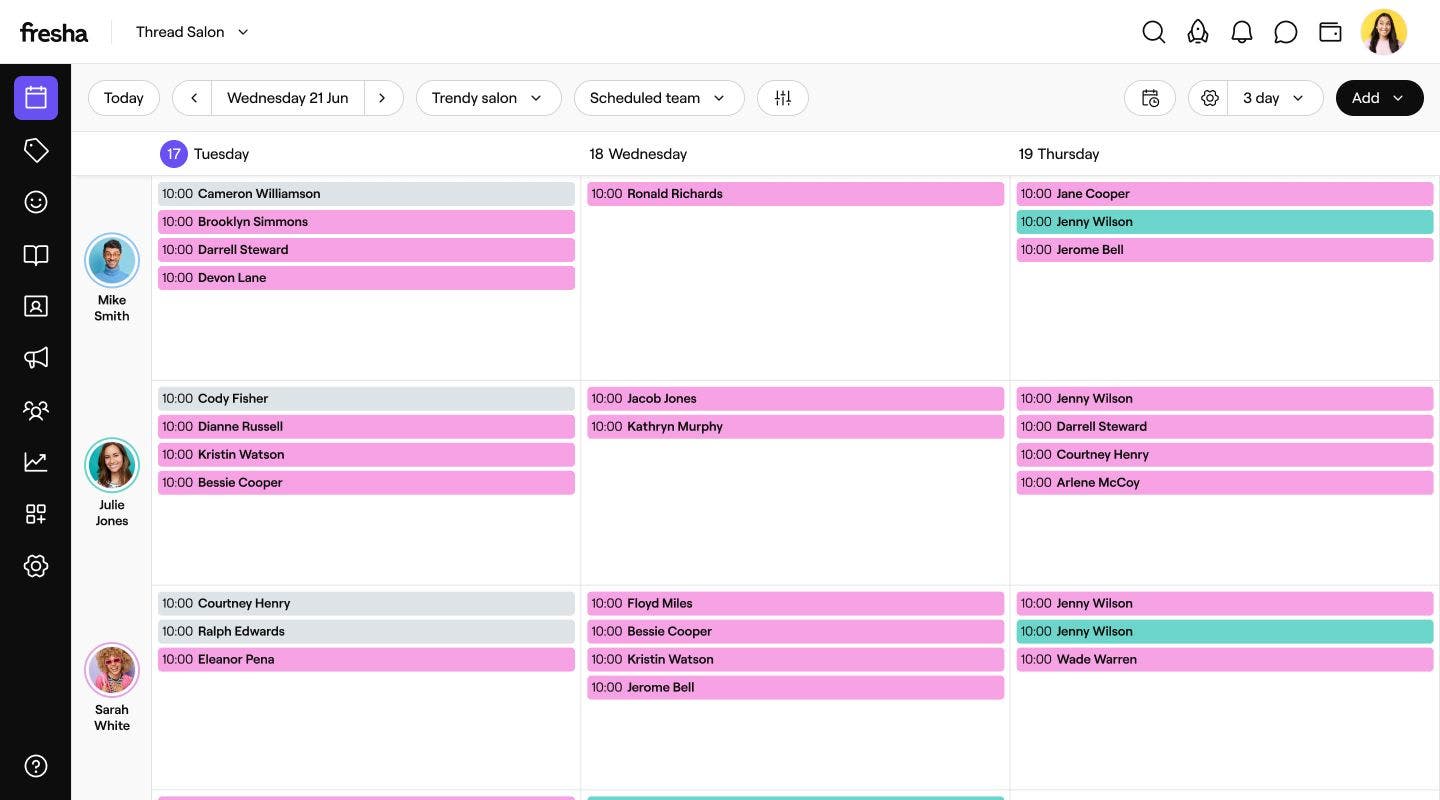
Week view
See all your appointments for the week in one place. Great for planning your team's schedule, managing availability and making sure you're prepared for the week ahead.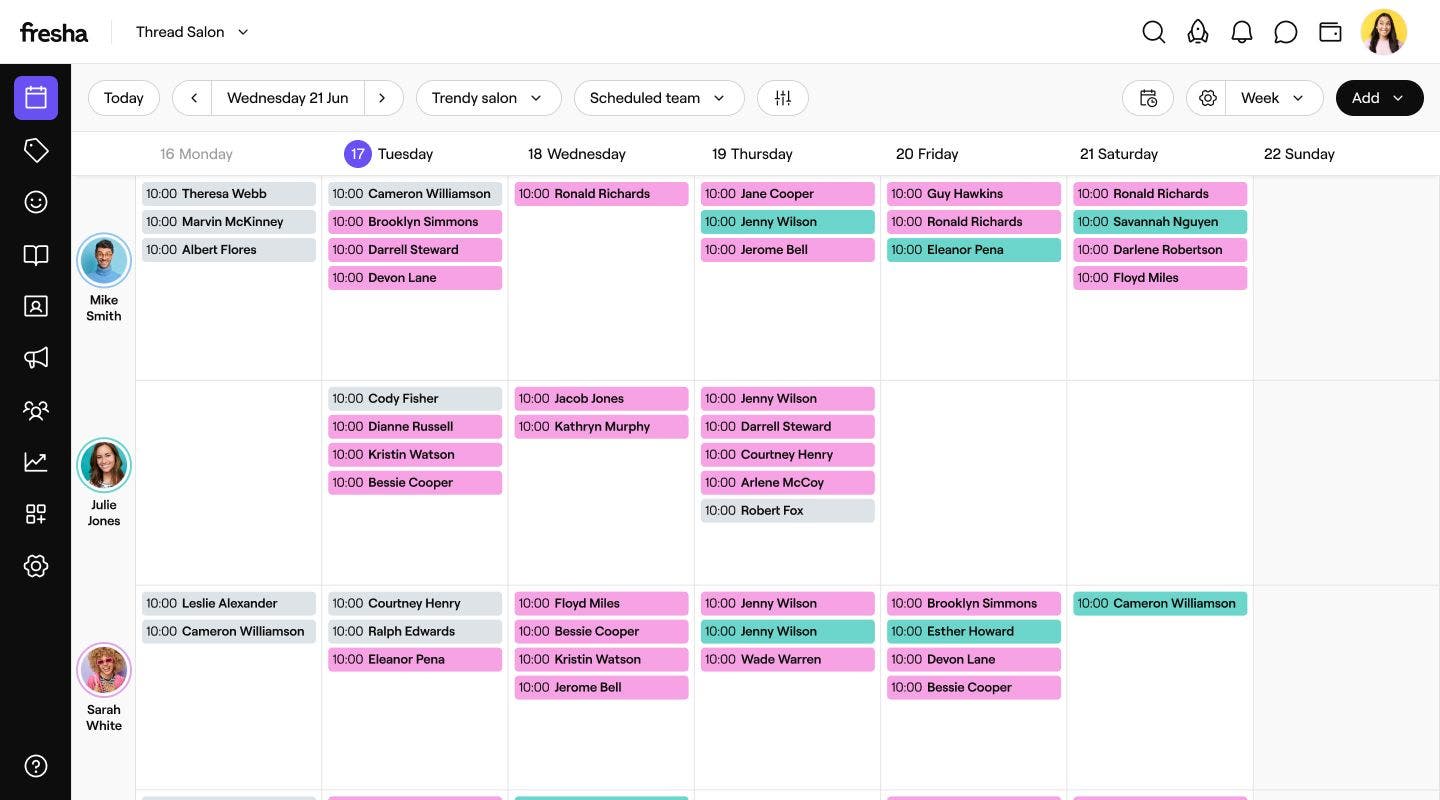
Month view
Get a bigger picture of your bookings across the month. Easily spot busy periods and quieter days, so you can plan ahead and make the most of your availability.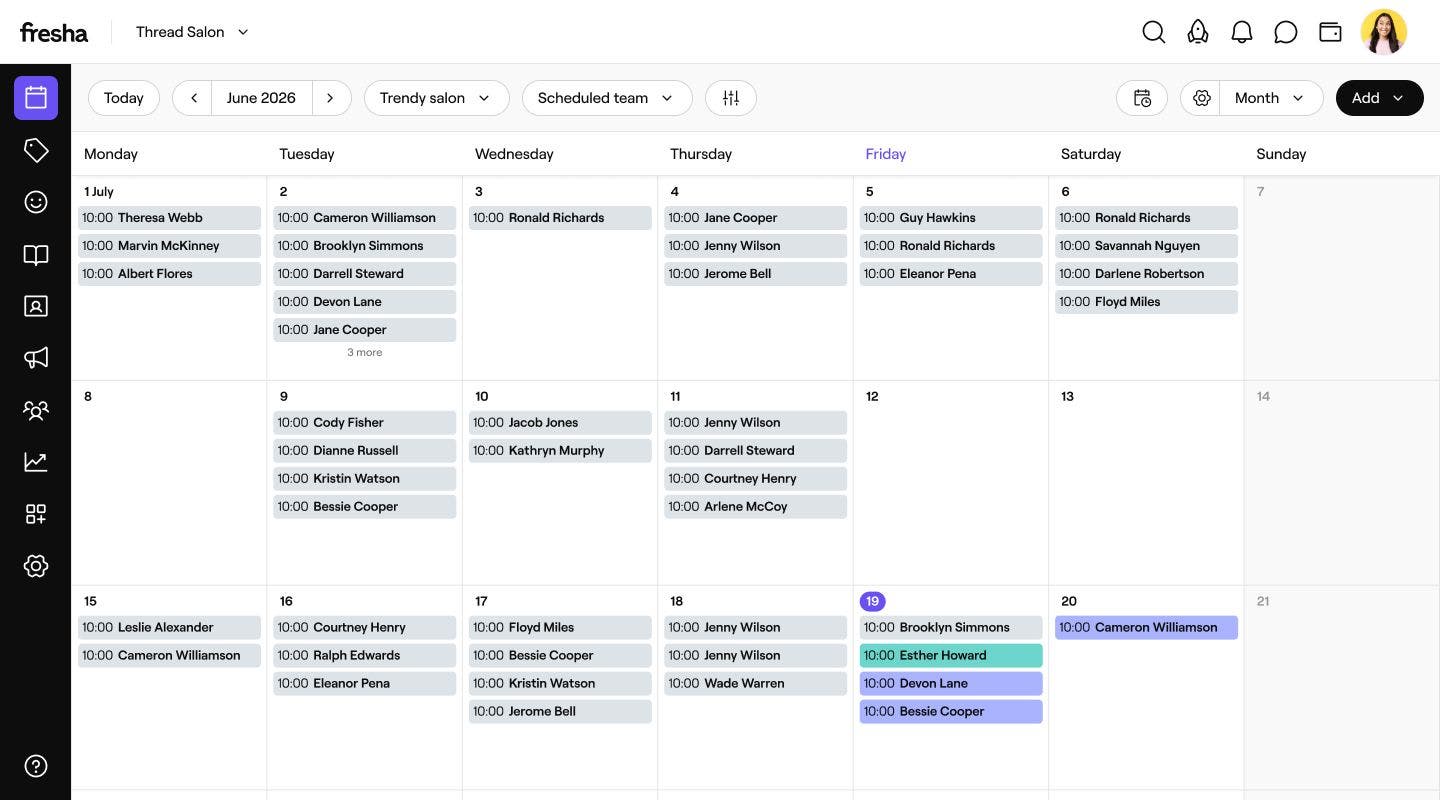
Timeline view
Give each team member their own row, with the day’s hours running across the top. It’s great for larger teams, where you need to see everyone’s bookings and capacity in one place. For example, you can see straight away who has a free hour for a last-minute appointment.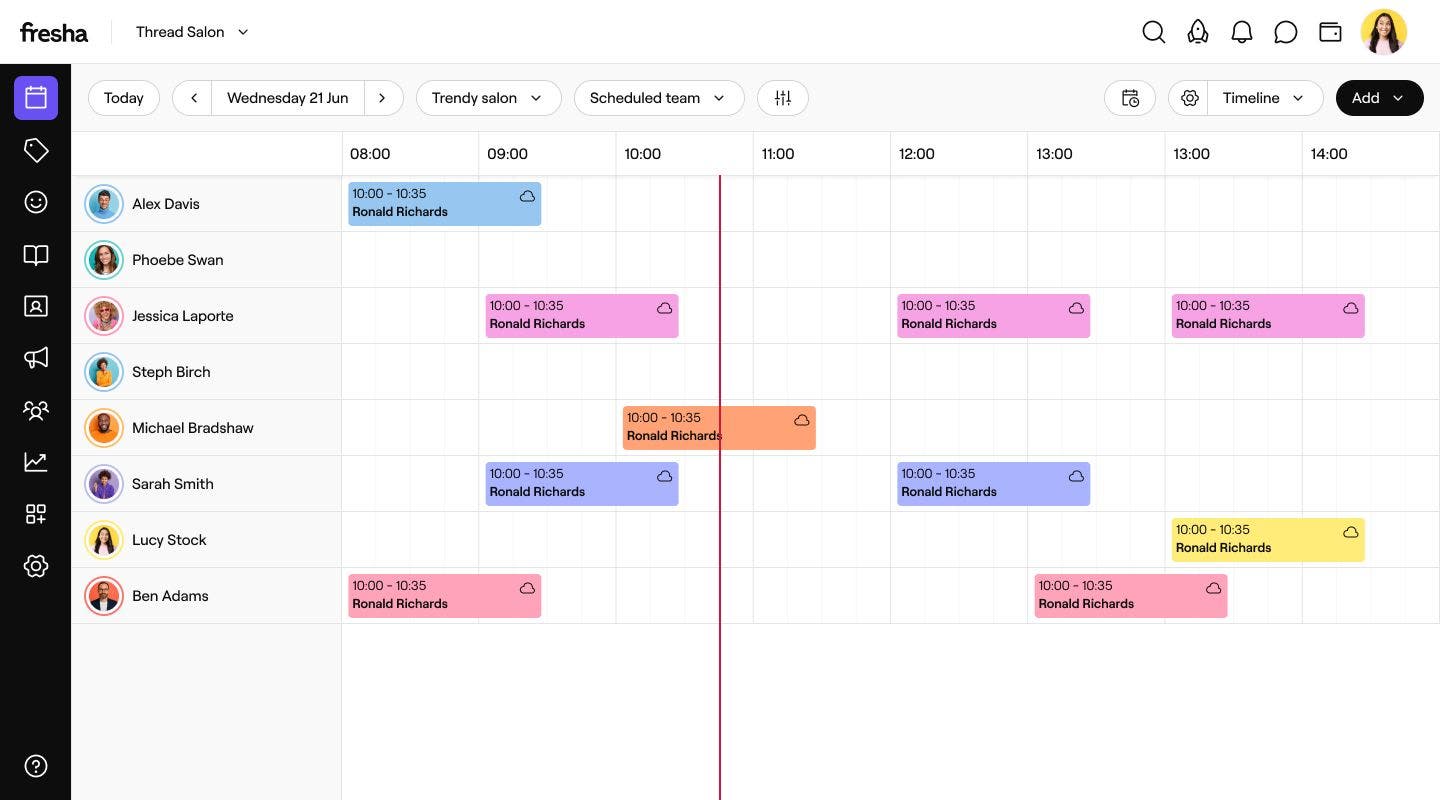
Agenda view
See your appointments in a simple list, organized by date and time. Great for workspace owners and managers who want a quick overview of upcoming bookings and what's happening across the business.
Column view
Keep track of appointments as they move through different statuses, from Booked and Confirmed to In progress and Completed. You can drag an appointment into another column to update its status straight away. It’s ideal for the front desk and receptionists who need to see where each appointment is up to and keep the day running smoothly.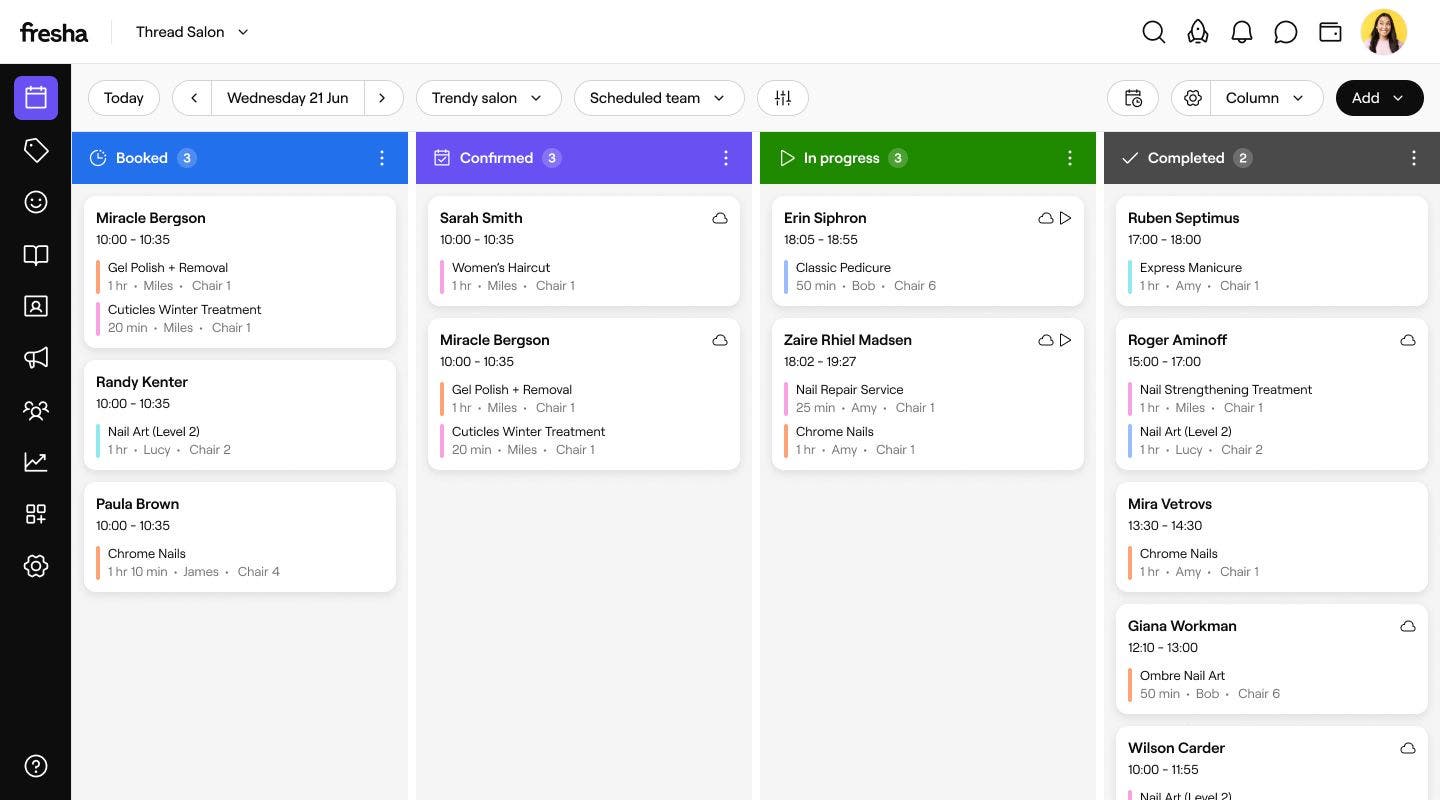
Select a calendar view
- From the main menu on the left of your screen, go to Calendar.
- Click on the Calendar view selector in the toolbar to open the list of views.

- From the dropdown menu, choose one of the views to open your calendar in the chosen layout.

Once you've selected a view, your calendar displays your appointments in your chosen layout. You can also customize your calendar settings to adjust how appointments and information appear in each view.