HomeKnowledge baseFresha academy
How clients can leave tips
Back
  1. Knowledge base•
  2. Sales and checkout•
  3. How clients can leave tips

How clients can leave tips

Learn how clients can leave tips as a thank you to your team members.

In this article

  • How tips work for clients
  • How clients leave a tip at point of sale
  • How clients add a tip after leaving a review
  • How clients leave  a tip card terminal

How tips work for clients

Once tipping options and values are set up for your business, clients can choose to leave a tip for team members as part of their payment. Tips can be added at the point of sale, on a card terminal, or online.

How clients leave a tip at point of sale

With tipping enabled at the point of sale, tip options are presented to clients before payment is completed. This applies when checking out appointments, products, memberships, or gift cards, allowing clients to select a tip amount as part of the payment flow before choosing a payment method.
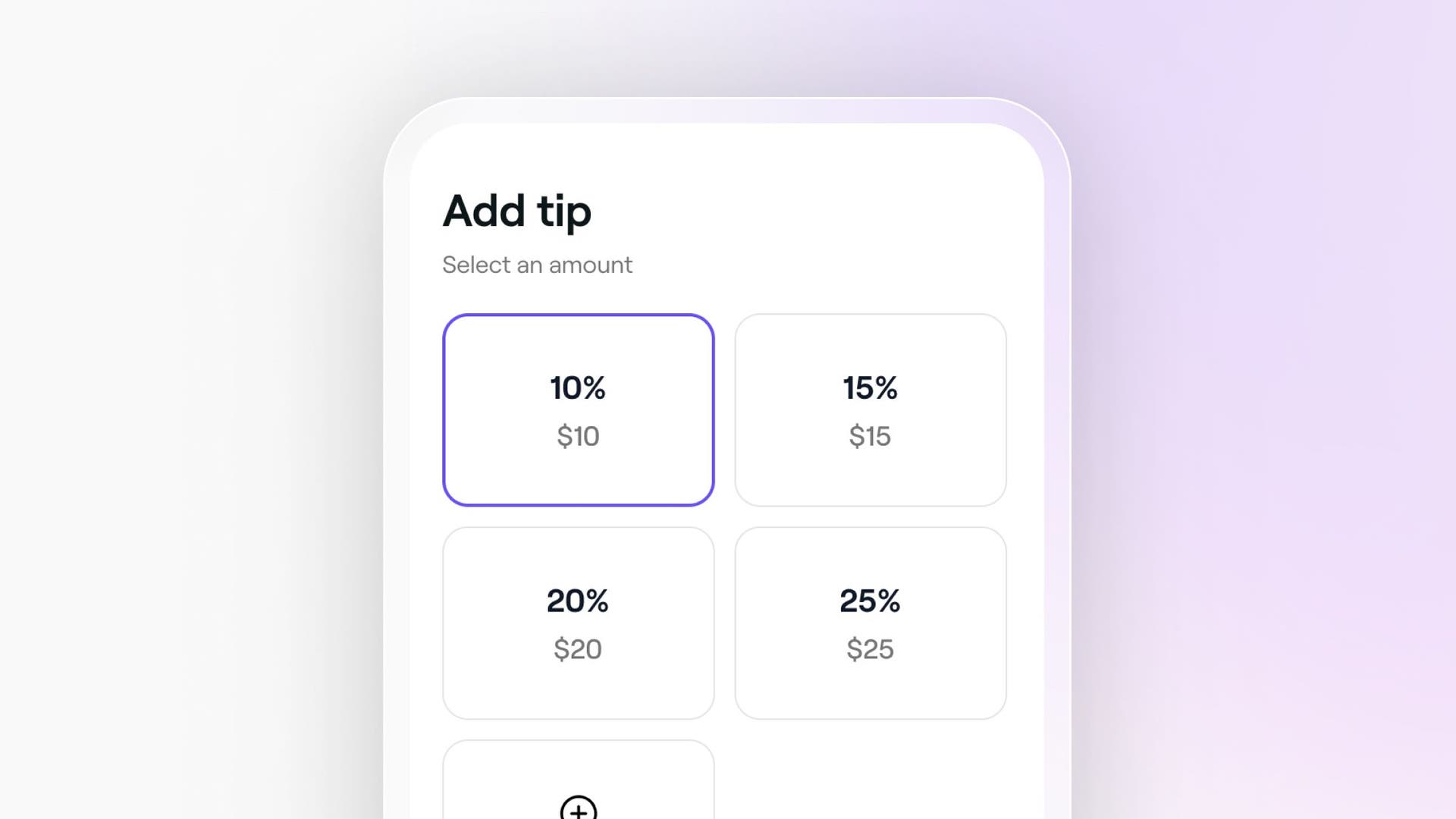
Client app tip.jpg

How clients add a tip after leaving a review

The Thank you for visiting automated message gives clients the option to leave a review after their appointment. As part of this experience, clients can also choose to add a tip directly from their Fresha account, providing a simple way to follow up after their visit.

How clients leave  a tip card terminal

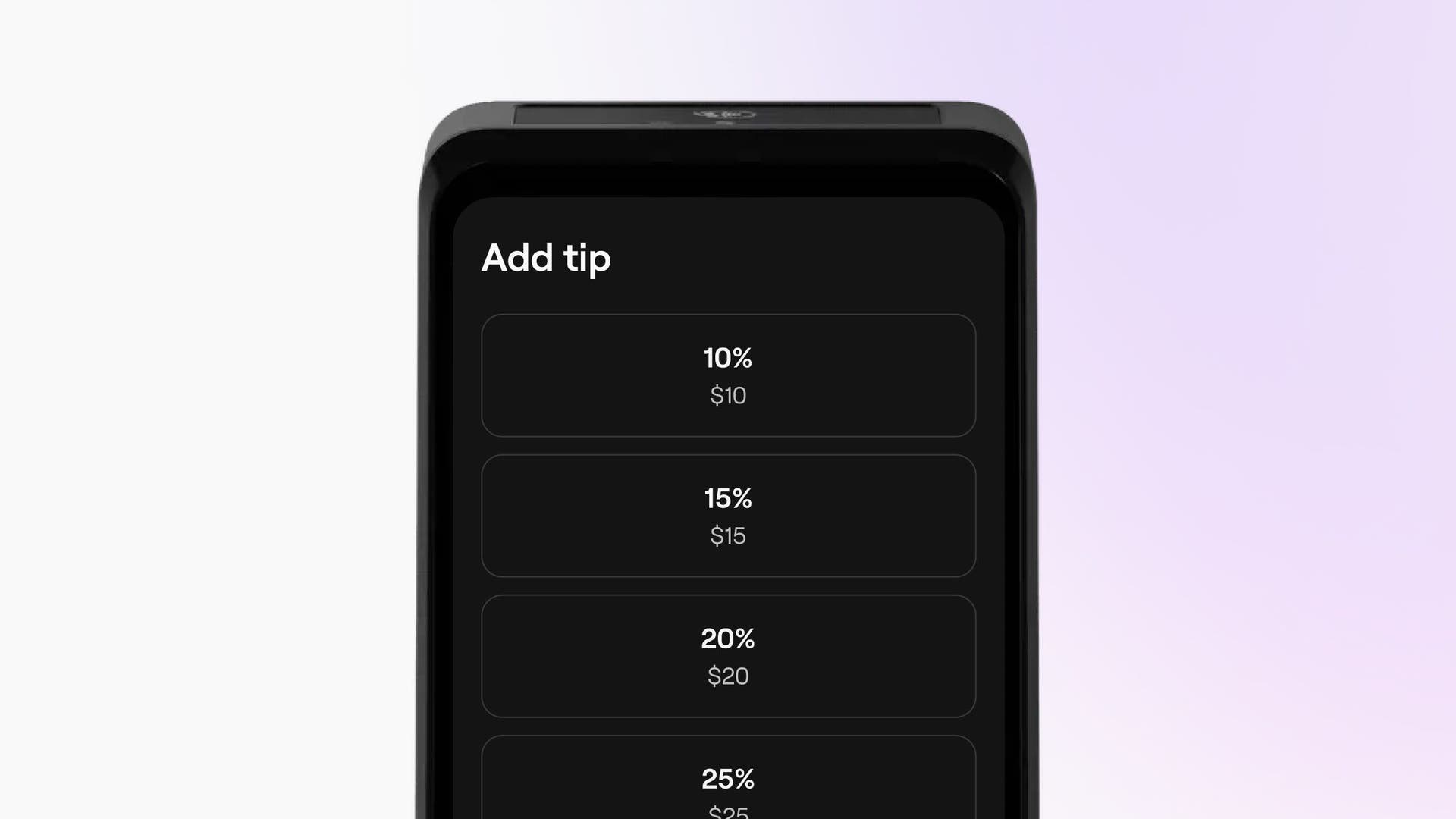
Tip prompts displayed on a card terminal screen allow clients to add a tip directly during in-person payments. Presenting tip options on the payment screen makes tipping more visible and can increase the likelihood of a tip being added. . Terminal tip.jpg
Tips, taxes and charges

Was this guide helpful?

Tips, taxes and charges

Set up and manage taxes

Automatically calculate and manage tax contributions for your business with Fresha.

Adjust taxes for individual services and products

Apply tax rates to individual services and products.

Set up and manage service charges

Simplify checkout by setting up service charges to cover additional costs automatically.

Set up and manage tips

Set up tipping options to manage how tips are collected in your business.

How clients can leave tips

Understand how clients can leave tips for your business.

Fresha
Get the app

About Fresha

Careers

Help and support

Blog

Sitemap

For business

For partners

Pricing

Features

Scheduling

Point of sale

Payments

Capital

Marketplace

Support

Status

Legal

Privacy Policy

Terms of service

Terms of use

Find us on social

Facebook
Linkedin
Instagram

© 2026 Fresha.com SV Ltd