Set up gift cards
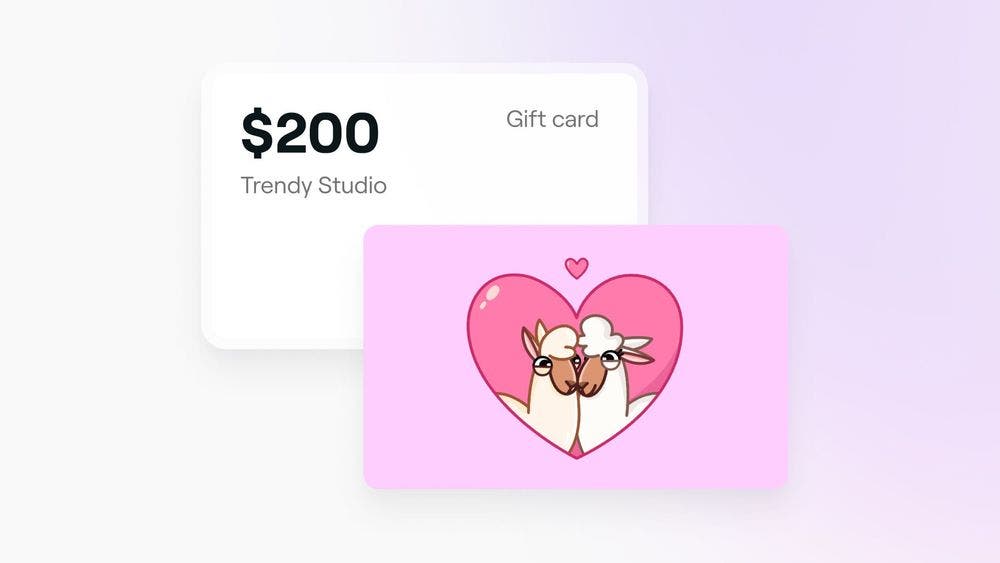
Boost your revenue and attract new clients using gift cards. Learn how to create gift cards that can be shared with friends and family or redeemed against products and services.
In this article
This guide is for businesses on Fresha looking to create and manage their own gift cards. If you're a client interested in purchasing a Fresha gift card that can be used across multiple venues on the Fresha marketplace, click here.
Getting started
Gift cards can be sold in-store and online or in-store only. Before selling gift cards online:
- Enable payment processing through Fresha to receive your online gift card payments.
- Set up and publish your marketplace profile.
Setting up gift cards
To set up gift cards:
- Open Workspace settings, select Sales then Gift cards.
- Click Edit next to Availability and values.
- Toggle on Gift cards to enable sales and redemption at your business.
- Use the dropdown under Available for sale to choose whether to sell gift cards both in-store and online, or just in-store.
- Add preset Values for easy client purchases.
- To allow custom gift card amounts, check the box for Allow custom values and set minimum and maximum amounts.
- Set the default Expiration period using the dropdown; validity is based on the purchase date.
- Toggle on the option for clients to select a gift card design when purchasing via a direct booking link.
- Click Save.
FAQs
Fresha offers two types of gift cards:
Business-Specific gift Cards - These are customized gift cards set up and managed by your business. They can only be redeemed at your venue and applied to the services, products, and membership you provide.
Fresha gift Cards - These are universal gift cards that clients can purchase online through the Fresha marketplace. They can be redeemed at any Fresha-verified business listed on the marketplace.
You can set up to five preset gift card values.
To receive funds from online gift card sales, you’ll need to have Fresha payment processing enabled and verified. Currently, Fresha payment processing is available in select countries, but we’re actively working to expand this feature to more regions.