Create your professional profile
Create a professional Fresha profile that showcases your skills, personality, and best work to attract more bookings. In this course, you’ll learn how profiles work on the Fresha Marketplace, how to set yours up, and where clients can find you online.
Intro: Professional profiles
Create a professional Fresha profile that showcases your skills, personality, and best work to attract more bookings. In this course, you’ll learn how profiles work on the Fresha Marketplace, how to set yours up, and where clients can find you online.
Attract more bookings with a professional profile that shows off your personality and talent.
With Fresha, you can customize your profile with standout photos, a unique bio, plus your rating and reviews, building instant confidence with clients.
In this course, we'll explore how profiles work on the Fresha marketplace, including how to get set up, creating a stand up portfolio, and where clients can find you.
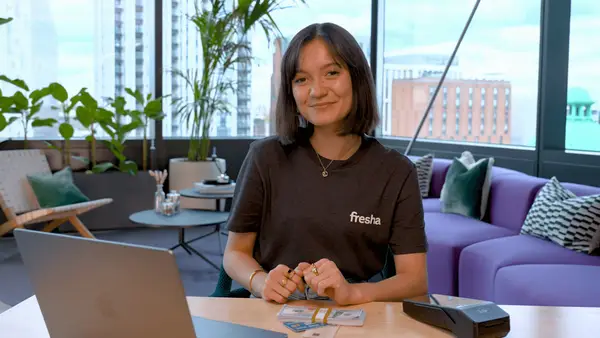
I'll be showing you how to do this on the Fresha business app, but you can always do this on desktop too.
So let's get started.
Next up
Related articles
Set up your professional profile
Create and manage your professional Fresha profile to showcase skills, connect with clients, and grow your brand.
Tips for the best professional profile photos
Make your professional profile stand out with a high-quality profile and portfolio photo.
Respond to your personal reviews
Boost your online reputation by responding to client reviews and managing your replies.